
Introduction
In the ever-evolving world of live streaming, content creators constantly seek ways to enhance their broadcasts, engage their audiences, and streamline their workflows. With the rise of artificial intelligence, numerous AI tools have emerged to revolutionize the streaming landscape. These tools offer features such as real-time analytics, automated moderation, content enhancement, and more. In this comprehensive guide, we will explore the top 10 AI tools for streaming, detailing their features, benefits, and how they can elevate your streaming game.
What is AI in Streaming?
AI in streaming refers to the use of artificial intelligence technologies to optimize various aspects of live broadcasts. These tools can assist with real-time analytics, automated moderation, content creation, audience engagement, and stream quality enhancement. By leveraging AI, streamers can focus more on content creation while ensuring a high-quality viewing experience for their audience.
Top 10 AI Tools for Streaming
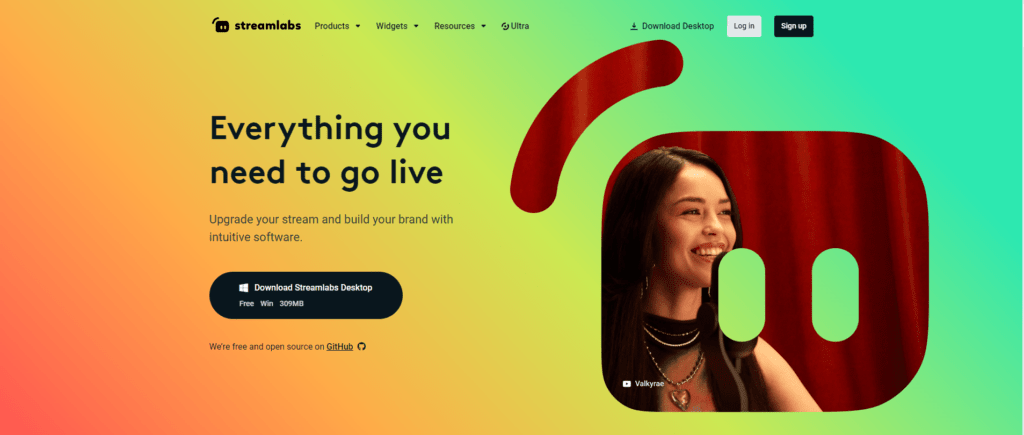
1. Streamlabs
Streamlabs offers a comprehensive suite of tools for streamers, including AI-driven features like real-time alerts, audience engagement analytics, and automated overlay suggestions. Its chatbot, powered by AI, can moderate chat, run giveaways, and keep viewers engaged.
2. Nightbot
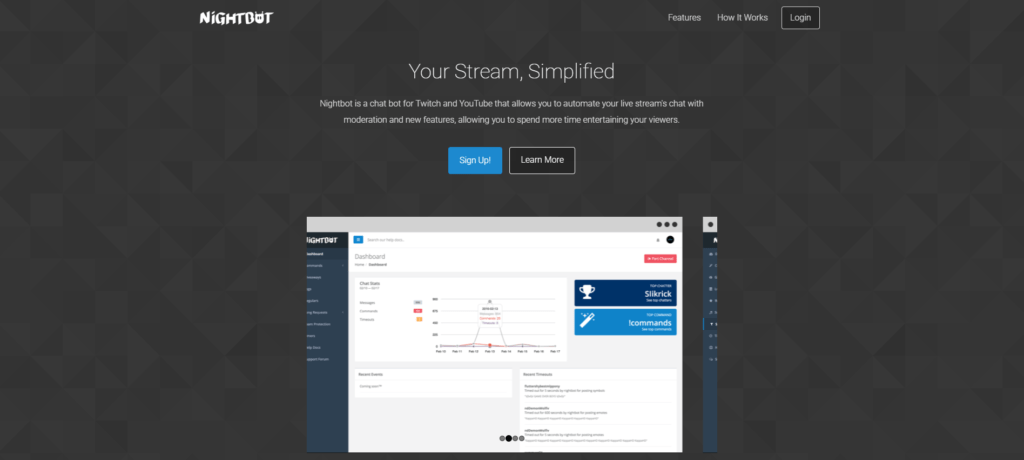
Nightbot is an AI-driven chat moderation tool that helps streamers manage their chatrooms effectively. It can automatically filter spam, enforce chat rules, and interact with viewers through custom commands, enhancing the overall viewer experience.
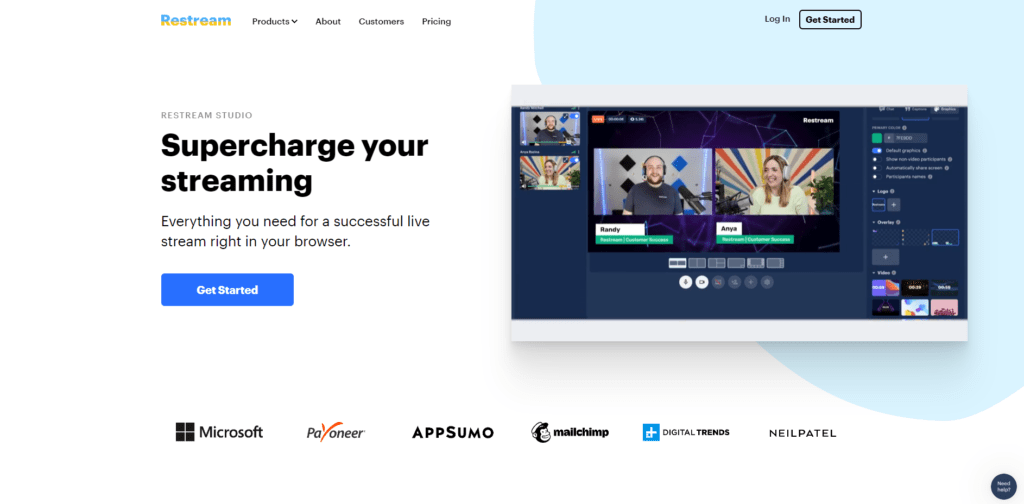
3. Restream
Restream uses AI to help streamers broadcast their content across multiple platforms simultaneously. Its AI algorithms optimize stream quality and ensure seamless integration with various streaming services, maximizing reach and engagement.
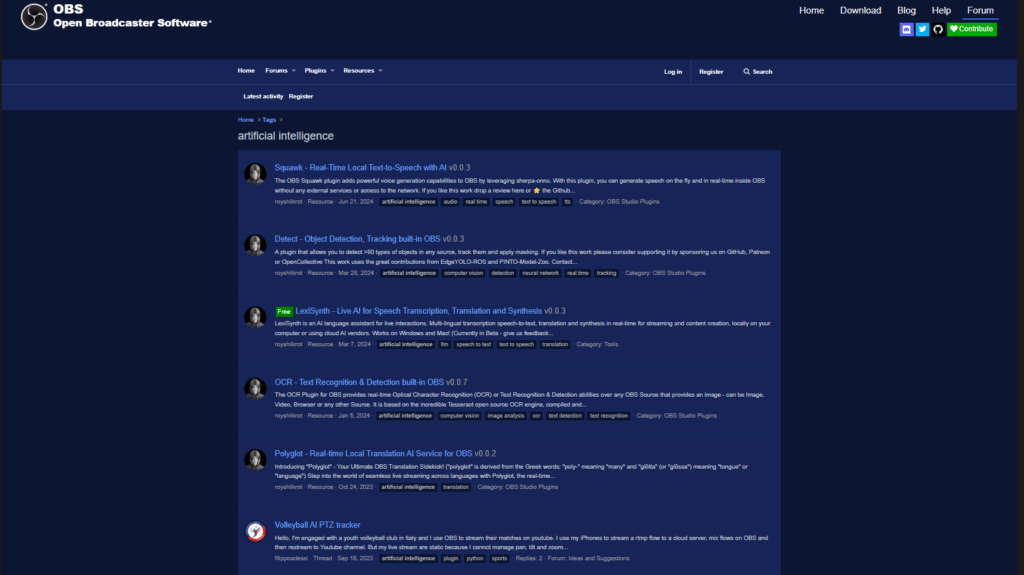
4. OBS Studio with AI Plugins
OBS Studio, combined with AI plugins, offers advanced features like scene automation, real-time facial recognition, and background removal. These plugins enhance the flexibility and professionalism of live broadcasts, making them visually appealing and engaging.
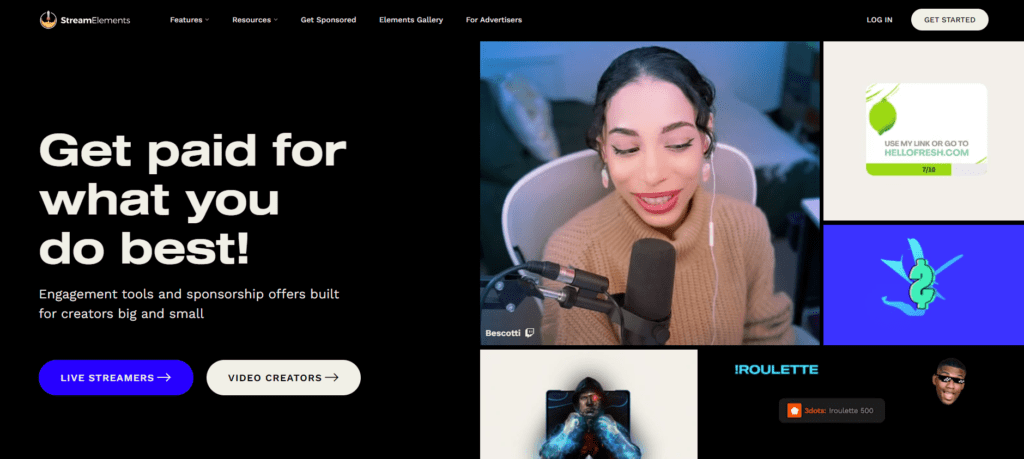
5. StreamElements
StreamElements provides AI-driven overlays, alerts, and widgets to enhance stream aesthetics and interactivity. Its AI-powered chatbot offers moderation and engagement tools, allowing streamers to maintain an active and well-managed chat environment.
6. Deepgram
Deepgram uses AI to provide real-time speech recognition and transcription services for streamers. This tool can generate captions and transcripts, making streams more accessible and searchable, and improving viewer engagement.
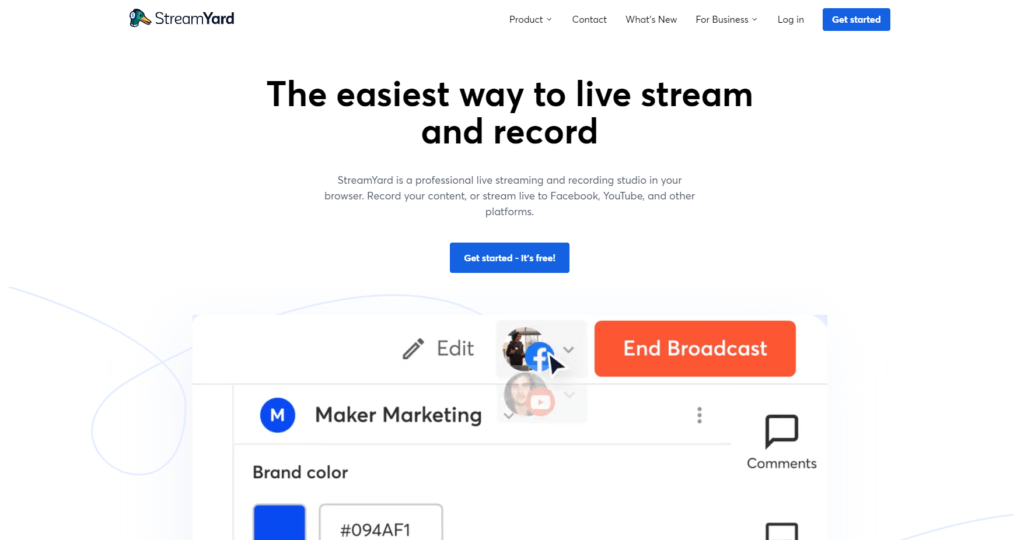
7. StreamYard
StreamYard leverages AI to enhance the live streaming experience with features like real-time analytics, automated scene transitions, and interactive widgets. Its AI algorithms ensure high-quality streams across multiple platforms, allowing for seamless integration and improved viewer engagement.
8. CaptionHub
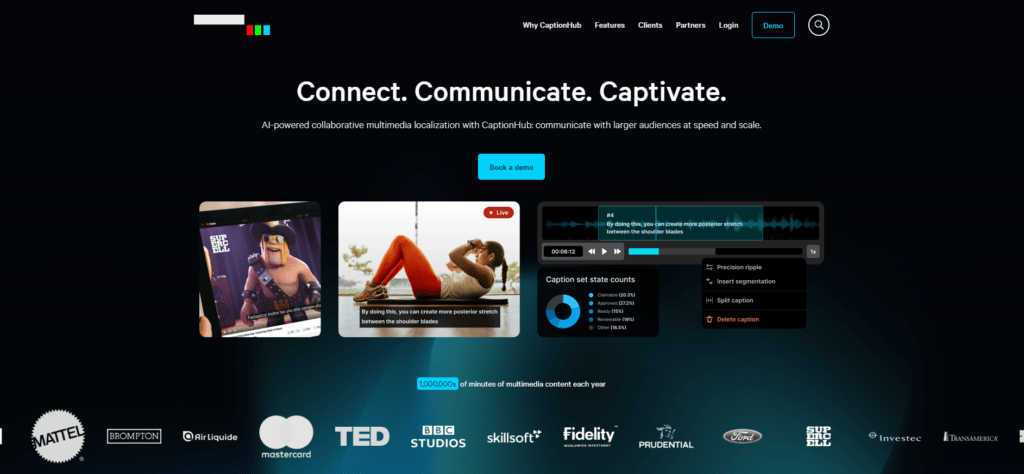
CaptionHub uses AI to provide real-time captioning and translation services. This tool enhances accessibility for viewers who are deaf or hard of hearing and allows for multilingual streams, broadening the reach of your content.
9. Murf.ai
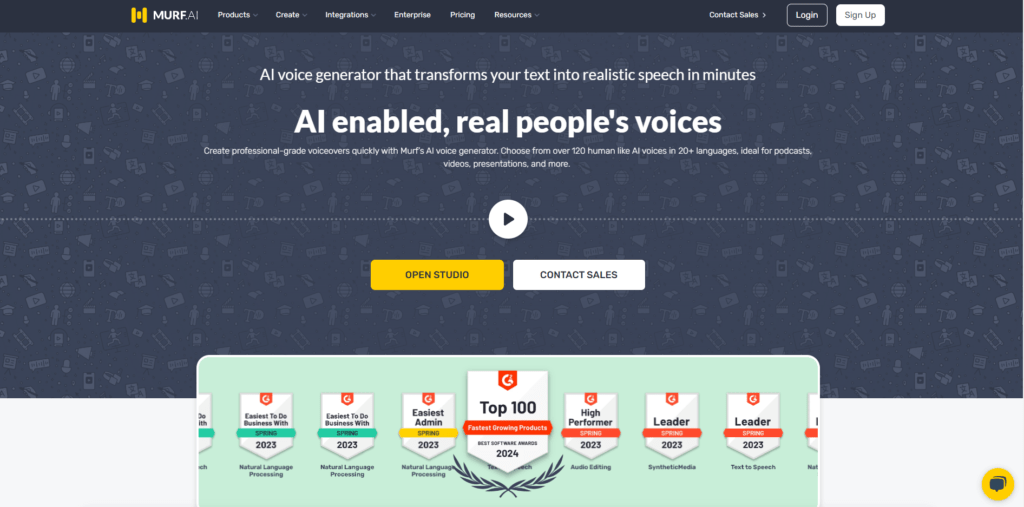
Murf.ai provides AI-driven voiceover services, allowing streamers to generate high-quality, natural-sounding voiceovers for their content. This tool can be used to create intros, outros, and commentary, adding a professional touch to streams and recorded content.
10. XSplit Broadcaster
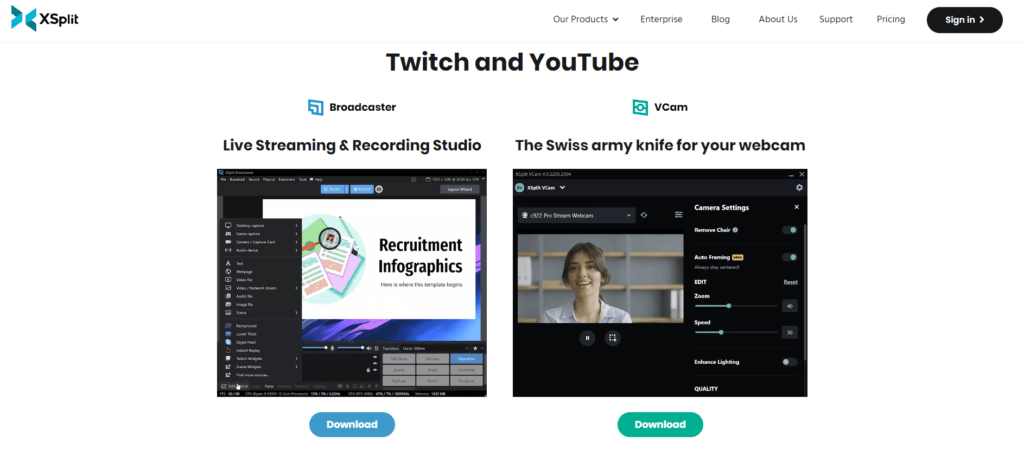
XSplit Broadcaster integrates AI features like background removal, noise suppression, and real-time facial recognition. These tools enhance stream quality, making broadcasts more professional and engaging for viewers.
Features to Look for in AI Streaming Tools
When selecting AI tools for streaming, consider the following features:
- Real-Time Analytics: Tools that provide real-time data on viewer engagement, stream performance, and audience demographics.
- Automated Moderation: AI-driven moderation features to manage chatrooms and enforce community guidelines.
- Content Enhancement: Features like background removal, noise suppression, and scene automation to improve stream quality.
- Accessibility: Tools that offer real-time captioning and translation to make streams accessible to a broader audience.
- Integration: Compatibility with multiple streaming platforms and services for seamless broadcasting.
Benefits of Using AI Tools for Streaming
Using AI tools in streaming offers numerous benefits:
- Enhanced Engagement: AI-driven features like real-time alerts and chatbots keep viewers engaged and interactive.
- Improved Quality: AI tools enhance stream quality with features like noise suppression, background removal, and scene automation.
- Time Savings: Automation of tasks like moderation and analytics frees up time for streamers to focus on content creation.
- Accessibility: Real-time captioning and translation services make streams more accessible to diverse audiences.
- Data-Driven Insights: AI analytics provide valuable insights into viewer behavior and content performance, aiding in channel growth.
How AI Tools Enhance Streaming
AI tools enhance streaming in several ways:
- Automated Moderation: Tools like Nightbot and StreamElements automate chat moderation, ensuring a positive viewer experience.
- Real-Time Analytics: Platforms like Restream and Vidooly provide real-time data on stream performance and viewer engagement.
- Content Enhancement: OBS Studio with AI plugins and XSplit Broadcaster offer features like background removal and noise suppression to improve stream quality.
- Audience Engagement: Streamlabs and StreamElements provide AI-driven alerts and widgets to keep viewers engaged and interactive.
- Accessibility: Deepgram and CaptionHub offer real-time captioning and transcription services, making streams accessible to a wider audience.
Challenges in Using AI Tools for Streaming
While AI tools offer many benefits, they also come with challenges:
- Learning Curve: Some tools may require time to learn and integrate into your streaming workflow.
- Cost: High-quality AI tools can be expensive, which might be a barrier for some streamers.
- Accuracy: Automated moderation and transcription accuracy can vary, requiring manual oversight.
- Dependency: Over-reliance on AI tools may lead to reduced creative control over the streaming content.
Best Practices for Using AI Tools in Streaming
To get the most out of AI tools for streaming, follow these best practices:
- Experiment with Tools: Test different AI tools to find the ones that best suit your streaming needs and preferences.
- Stay Updated: Keep your AI tools updated to benefit from the latest features and improvements.
- Manual Oversight: Regularly review AI-generated content and moderation to ensure accuracy and quality.
- Engage with Viewers: Use AI tools to enhance engagement, but also interact with your audience personally to build a strong community.
- Monitor Performance: Use AI analytics to track performance and make data-driven decisions to improve your streams.
Future of AI in Streaming
The future of AI in streaming is promising, with ongoing advancements in technology offering even greater capabilities. Expect improvements in:
- Enhanced Interactivity: More sophisticated AI tools for real-time viewer engagement and interaction.
- Higher Quality Streams: Improved AI algorithms for better video and audio quality.
- Personalization: AI-driven personalized content recommendations and interactive experiences for viewers.
- Seamless Integration: Greater integration with a wide range of platforms and services for a more cohesive streaming workflow.
Top 10 AI Tools for Streaming: Key Takeaways
- Streamlabs: Comprehensive suite with real-time alerts and engagement analytics.
- Nightbot: AI-driven chat moderation for a positive viewer experience.
- Restream: Broadcast across multiple platforms with optimized stream quality.
- OBS Studio with AI Plugins: Advanced scene automation and real-time facial recognition.
- StreamElements: AI-driven overlays, alerts, and widgets for enhanced interactivity.
- Deepgram: Real-time speech recognition and transcription services.
- ReStream Studio: Real-time analytics and automated scene switching for high-quality streams.
- CaptionHub: Real-time captioning and translation for accessibility.
- Vidooly: AI-driven analytics for optimizing content and growing your channel.
- XSplit Broadcaster: Background removal, noise suppression, and facial recognition for professional streams.
FAQs
What are the best AI tools for enhancing live streams? Streamlabs and OBS Studio with AI plugins are excellent choices for enhancing live streams with real-time alerts, scene automation, and quality improvements.
Can AI tools help with chat moderation during streams? Yes, tools like Nightbot and StreamElements offer AI-driven chat moderation to filter spam and enforce community guidelines.
How do AI tools improve stream quality? AI tools like XSplit Broadcaster and OBS Studio with AI plugins enhance stream quality through features like background removal, noise suppression, and real-time facial recognition.
Are AI tools for streaming expensive? The cost of AI tools for streaming varies, with some free options available (e.g., Nightbot) and others requiring a subscription or one-time purchase (e.g., Streamlabs, XSplit Broadcaster).
Can AI tools provide real-time captions for streams? Yes, tools like Deepgram and CaptionHub offer real-time speech recognition and captioning services to enhance accessibility.
Do AI tools require technical skills to use? Many AI tools for streaming are designed to be user-friendly and require minimal technical skills, though some may have a learning curve.
Conclusion
AI tools for streaming are transforming the live broadcasting landscape, offering features that enhance quality, engagement, and accessibility. By leveraging these tools, streamers can focus on creating compelling content while ensuring a professional and enjoyable viewer experience. Whether you’re a seasoned streamer or just starting, integrating AI tools into your workflow can significantly elevate your live broadcasts.