
Introduction
Podcasting has become a popular medium for sharing stories, information, and entertainment. With the rise of artificial intelligence, podcasters now have access to tools that can significantly enhance the quality of their content. From editing and transcribing to generating show notes and optimizing audio, AI tools can streamline the podcast production process. In this comprehensive guide, we will explore the top 10 AI tools for podcasting, detailing their features, benefits, and how they can help you produce professional-quality podcasts.
What is AI in Podcasting?
AI in podcasting refers to the use of artificial intelligence technologies to automate and enhance various aspects of podcast production. These tools can assist with audio editing, transcription, content generation, and even marketing, making it easier for podcasters to focus on creating engaging content.
Top 10 AI Tools for Podcasting
🥇 1. Podcastle
Website: https://podcastle.ai
Description:
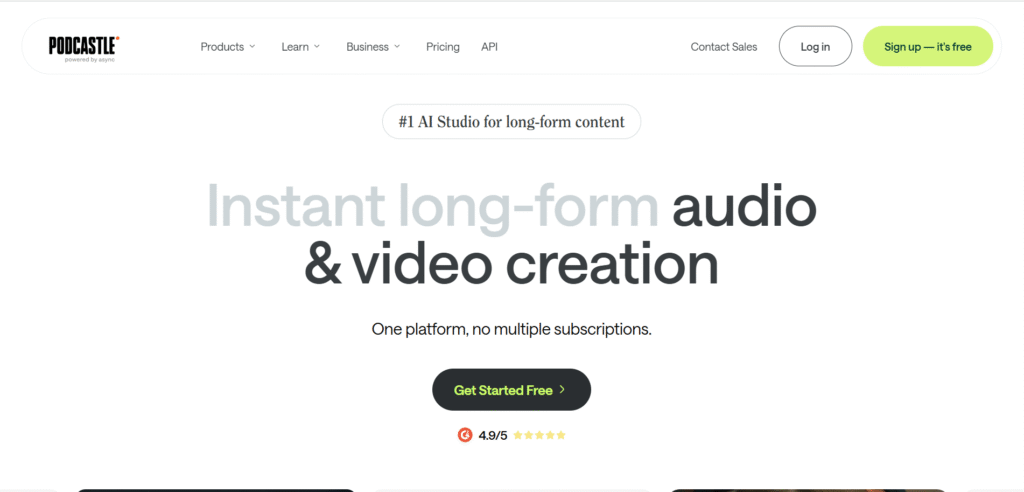
Podcastle is an all-in-one AI-powered podcast creation platform built for beginners and pros alike.
You can record studio-quality audio directly from your browser, invite remote guests, and use AI tools to edit, enhance, and publish your episode.
It offers AI noise removal, voice enhancement, auto-leveling, and text-based editing, making it perfect for creators who want to skip the technical hassle.
Best For: Solo podcasters, educators, and small production teams.
Highlights:
- Record in studio-grade quality from anywhere
- AI audio cleanup and sound leveling
- Convert text to natural-sounding voiceovers
- Collaborative workspace and direct publishing to Spotify or Apple Podcasts
🥈 2. Riverside.fm (AI Podcast Editor)
Website: https://riverside.fm

Description:
Riverside.fm is a studio-grade recording and editing tool trusted by top creators, brands, and podcasters.
It records separate audio and video tracks locally, ensuring top quality even with poor internet.
Its AI editor automatically removes filler words (“uh”, “um”), silences, and background noise. You can also edit audio by editing text, clip highlights, and generate short video snippets for social media.
Best For: Interview-based podcasts, YouTubers, and professional hosts.
Highlights:
- Local recording in 4K video and 48kHz audio
- Text-based editing via transcript
- AI background noise & filler removal
- Auto social clips and subtitles
🥉 3. Wondercraft AI
Website: https://www.wondercraft.ai
Description:
Wondercraft AI is the ChatGPT for podcast creation.
It allows users to create entire podcast episodes from scripts or prompts — no recording required.
You can choose from lifelike AI voices, set tone and pace, and even simulate multi-speaker dialogues. It’s used by companies to automate branded audio content, internal updates, and newsletters.
Best For: Marketers, educators, and creators who want to turn written content into podcasts.
Highlights:
- Text-to-speech with lifelike AI voices
- Multi-voice conversations
- Auto music and sound design
- Script editing and translation tools
4. Resound.fm
Website: https://www.resound.fm
Description:
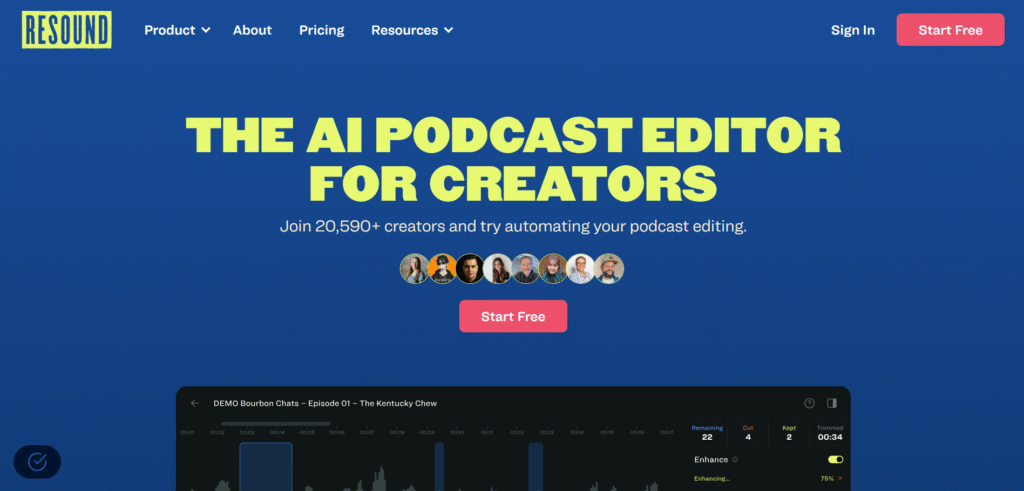
Resound is a post-production powerhouse that uses AI to clean and polish podcast audio.
It automatically identifies and removes filler words, stutters, awkward pauses, and background hum — all while preserving the natural flow of speech.
It’s perfect for podcasters who want to speed up the editing process while maintaining a professional, clean sound.
Best For: Podcasters, editors, and content producers.
Highlights:
- AI filler-word detection and removal
- Batch editing for multiple episodes
- Intuitive “before-and-after” preview
- Cloud-based editing interface
5. Cleanvoice AI
Website: https://cleanvoice.ai
Description:
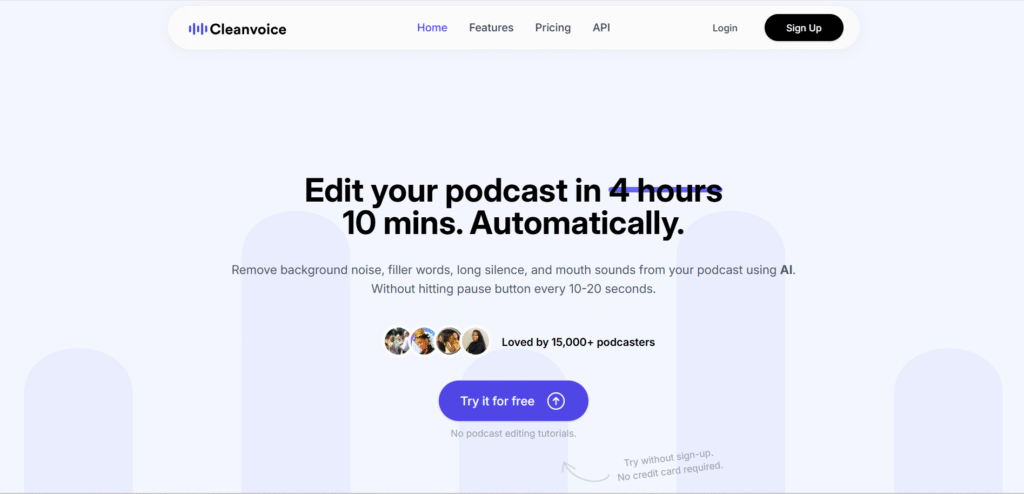
Cleanvoice is a dedicated AI audio cleanup tool designed to make your voice recordings sound crystal clear.
It automatically removes stutters, mouth noises, breathing sounds, and filler words — producing smooth, broadcast-ready audio.
Its multilingual support ensures consistent quality regardless of accent or language.
Best For: Creators who record frequently and want quick, clean results.
Highlights:
- Removes stutters, filler words, and background noise
- Multi-language transcription support
- Batch processing for bulk files
- Realistic tone preservation
6. Adobe Podcast (with Enhanced Speech)
Website: https://podcast.adobe.com
Description:
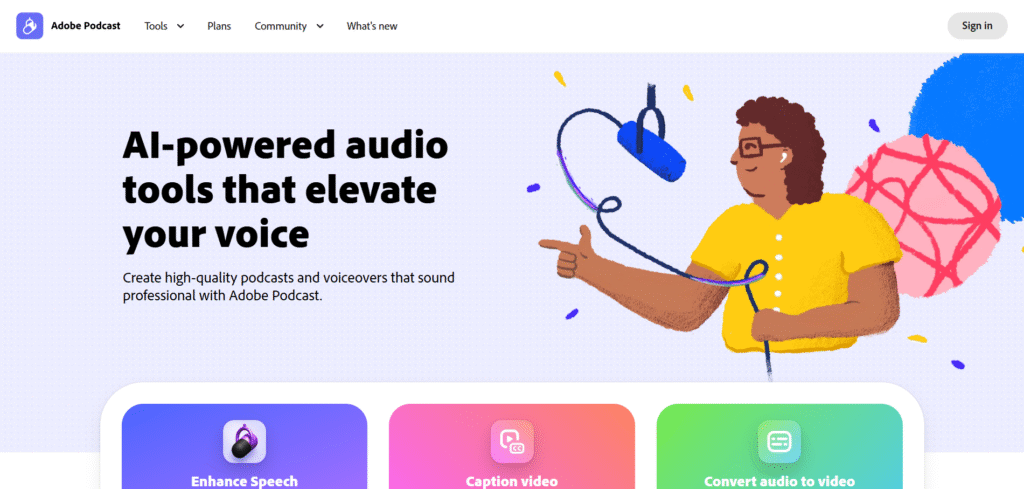
Adobe Podcast (formerly Project Shasta) brings AI audio enhancement and editing tools to the web.
Its “Enhanced Speech” feature makes any recording sound like it was captured with a professional microphone — even if it was recorded on a laptop or phone.
It also includes “Mic Check” (to optimize input setup) and text-based editing, allowing users to edit spoken content just by editing words.
Best For: Content creators, journalists, and remote teams.
Highlights:
- One-click studio-quality voice enhancement
- Auto volume leveling
- Mic setup assistant
- Seamless Adobe Creative Cloud integration
7. Jellypod AI
Website: https://jellypod.ai
Description:
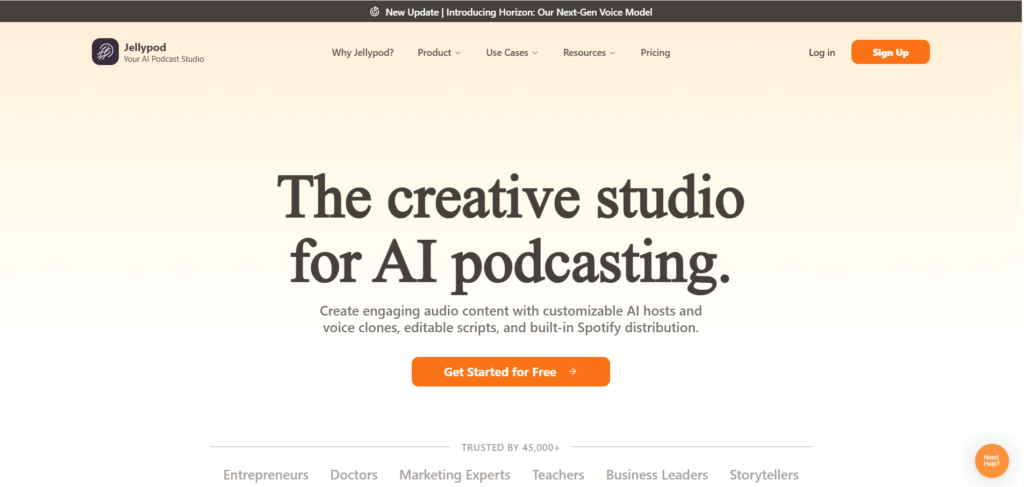
Jellypod is a voice cloning and AI podcast generation platform that enables you to create podcasts using your cloned voice.
It can take scripts, blog posts, or reports and turn them into podcast episodes automatically — complete with background music and sound effects.
You can also use it for AI co-hosting, where two AI voices discuss a topic conversationally.
Best For: Brands, agencies, or creators building scalable audio content.
Highlights:
- Voice cloning & AI narration
- Auto sound design and mixing
- Custom branded voice for consistent tone
- Episode publishing and analytics
8. Descript
Website: https://www.descript.com
Description:
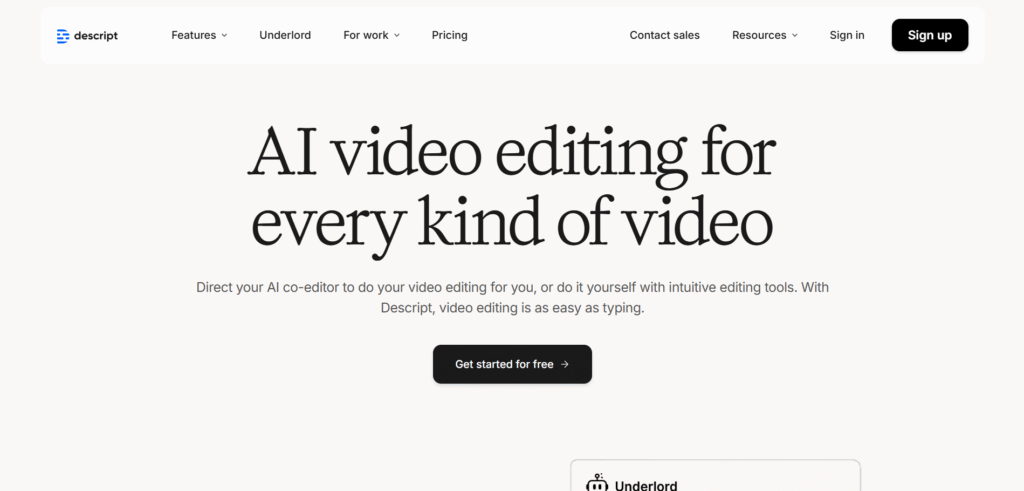
Descript is the industry standard for AI-powered editing.
It allows you to edit audio and video by editing text — delete a word, and it’s removed from the recording.
It also offers voice cloning (Overdub), filler word detection, background noise removal, and automatic transcription.
Descript’s visual timeline and team collaboration make it a favorite for both beginners and pros.
Best For: Podcasters, YouTubers, and production teams.
Highlights:
- Text-based audio/video editing
- Voice cloning (Overdub)
- Auto captioning and transcription
- Multi-track video/audio support
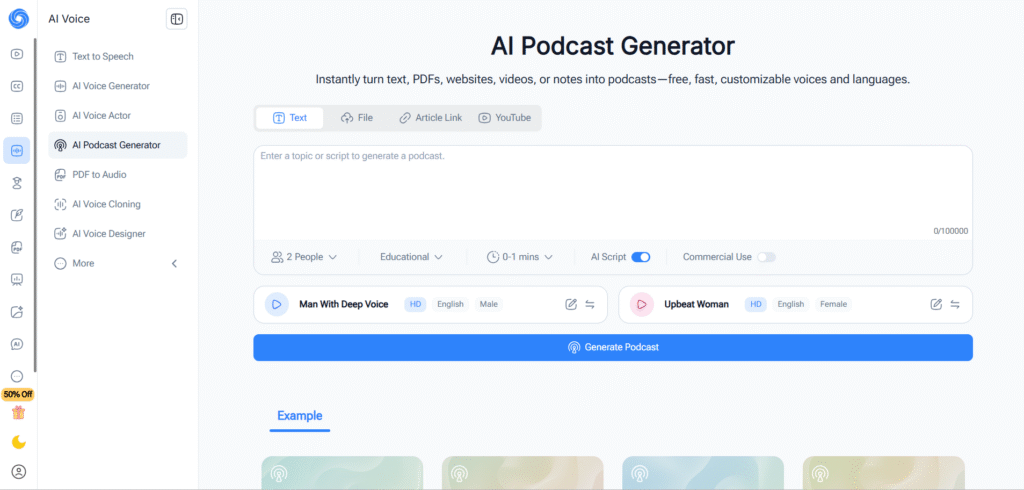
9. NoteGPT’s AI Podcast Generator
Website: https://notegpt.io/ai-podcast-generator
Description:
NoteGPT’s Podcast Generator allows you to convert written content (blogs, articles, scripts, or PDFs) into AI-generated podcast episodes using realistic voices.
You can select tone, gender, and language, and even produce multilingual episodes for global audiences.
It’s ideal for educators or businesses repurposing written content into engaging audio.
Best For: Educators, marketers, and content creators.
Highlights:
- Converts text to podcast audio
- Multiple AI voice choices
- Built-in translator for localization
- Podcast-ready MP3 export
10. Soundtrap (by Spotify)
Website: https://www.soundtrap.com
Description:
Soundtrap is a browser-based digital audio workstation (DAW) owned by Spotify that lets users record, edit, and collaborate in real time.
It’s ideal for podcasters who want advanced audio editing, music layering, and remote recording all in one place.
Its integration with Spotify for Podcasters streamlines publishing and analytics.
Best For: Professional audio engineers and collaborative teams.
Highlights:
- Direct integration with Spotify
- Multi-track recording and editing
- Cloud-based collaboration
- Plugin effects, jingles, and loops
Features to Look for in AI Podcasting Tools
When selecting AI tools for podcasting, consider the following features:
- Ease of Use: Look for tools with user-friendly interfaces that simplify the production process.
- Audio Quality Enhancement: Tools should offer features like noise reduction, leveling, and audio cleanup.
- Transcription Accuracy: High-quality transcription is crucial for creating show notes and captions.
- Editing Capabilities: Advanced editing features, such as multi-track editing and voice cloning, can enhance your podcast.
- Integration: Tools that integrate with your existing workflow and platforms can save time and effort.
Benefits of Using AI Tools for Podcasting
Using AI tools in podcasting offers numerous benefits:
- Improved Audio Quality: AI-driven tools can enhance the sound quality of your recordings, making your podcast more professional.
- Time Savings: Automation of tasks like editing, transcription, and audio cleanup frees up time for content creation.
- Accessibility: Transcription services make your podcast accessible to a broader audience, including those with hearing impairments.
- SEO Optimization: AI tools can optimize your content for search engines, increasing discoverability.
- Consistency: AI ensures consistent audio quality and editing standards across episodes.
How AI Tools Enhance Podcast Production
AI tools enhance podcast production in several ways:
- Automated Editing: Tools like Descript and Alitu automate the editing process, making it easy to cut out mistakes and enhance audio quality.
- Transcription Services: Otter.ai and Podscribe provide accurate transcriptions, which can be used for show notes, captions, and SEO optimization.
- Audio Enhancement: Auphonic and Adobe Audition use AI to improve audio quality, removing background noise and leveling audio levels.
- Content Repurposing: Recast Studio helps repurpose podcast content into video snippets, expanding your reach on social media.
- Voice Cloning: Respeecher allows for voice cloning, enabling seamless corrections and additions to your podcast without re-recording.
Challenges in Using AI Tools for Podcasting
While AI tools offer many benefits, they also come with challenges:
- Learning Curve: Some tools may require time to learn and integrate into your workflow.
- Cost: High-quality AI tools can be expensive, especially for independent podcasters.
- Accuracy: Transcription and editing accuracy can vary, requiring manual review and adjustments.
- Dependency: Over-reliance on AI tools may lead to less creative control over the final product.
Best Practices for Using AI Tools in Podcasting
To get the most out of AI tools for podcasting, follow these best practices:
- Test Multiple Tools: Experiment with different tools to find the ones that best suit your needs and workflow.
- Regular Updates: Keep your tools updated to benefit from the latest features and improvements.
- Manual Review: Always review AI-generated transcriptions and edits for accuracy and quality.
- Combine Tools: Use a combination of tools to handle different aspects of podcast production.
- Feedback Loop: Provide feedback to tool developers to help improve the AI’s performance and capabilities.
Future of AI in Podcasting
The future of AI in podcasting is bright, with ongoing advancements in technology promising even greater enhancements. Expect improvements in:
- Real-Time Editing: AI tools may soon offer real-time editing capabilities, making the production process even more efficient.
- Enhanced Voice Cloning: Improved voice cloning technology will allow for more natural and accurate speech synthesis.
- Personalization: AI could offer personalized content recommendations and enhancements based on listener preferences.
- Integration: Seamless integration with more platforms and tools will streamline podcast production workflows.
FAQs
What are the best AI tools for podcast editing? Descript and Alitu are top choices for podcast editing due to their user-friendly interfaces and powerful features.
How can AI improve podcast audio quality? AI tools like Auphonic and Adobe Audition use algorithms to reduce noise, level audio, and enhance overall sound quality.
Are AI transcription services accurate? AI transcription services like Otter.ai and Podscribe are highly accurate but may require manual review for complete accuracy.
Can AI help with podcast marketing? Yes, tools like Recast Studio can help create promotional content, such as video snippets, to market your podcast on social media.
Do I need technical skills to use AI podcasting tools? Many AI podcasting tools are designed to be user-friendly and require minimal technical skills, making them accessible to all podcasters.
How do AI tools assist in creating show notes? AI transcription tools generate text from audio, which can be used to create detailed and accurate show notes for each episode.
Conclusion
AI tools for podcasting are revolutionizing the way podcasters produce and manage their content. By automating time-consuming tasks and enhancing audio quality, these tools allow podcasters to focus on creating engaging and high-quality content. Whether you’re a seasoned podcaster or just starting, leveraging AI tools can help you elevate your podcasting game and reach a wider audience.