
Introduction
Artificial intelligence (AI) has revolutionized the creative industry, enabling artists and designers to generate stunning images effortlessly. AI tools for generative images leverage advanced algorithms and deep learning models to create unique visuals, offering endless possibilities for creativity. In this comprehensive guide, we will explore the top 10 AI tools for generative images, detailing their features, benefits, and how they can enhance your creative projects.
What is AI Generative Imaging?
AI generative imaging involves using artificial intelligence to create or assist in the creation of images. These tools use algorithms, neural networks, and deep learning models to understand artistic styles and generate unique visuals. AI generative imaging can produce everything from realistic photos to abstract art, enabling creators to explore new creative avenues.
Top 10 AI Tools for Generative Images
👇
🥇 1. Midjourney
Website: https://www.midjourney.com
Description:
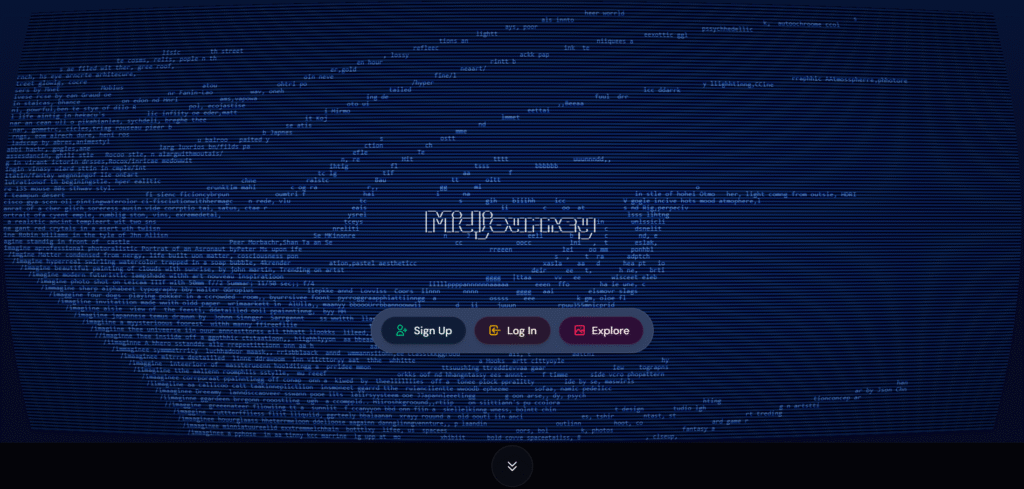
Midjourney remains the gold standard for artistic AI image generation.
It turns text prompts into cinematic, high-detail imagery — making it ideal for concept artists, brand designers, and storytellers.
Users can fine-tune style, lighting, and composition for virtually any creative vision.
It runs primarily through Discord commands, offering community feedback and iteration for each generation.
Best For: Designers, illustrators, marketers, and filmmakers.
Highlights:
- Artistic, high-fidelity visuals
- Prompt weights for detailed control
- Realistic lighting and color rendering
- Vibrant Discord community for learning
🥈 2. DALL·E 3 (by OpenAI)
Website: https://openai.com/dall-e-3
Description:
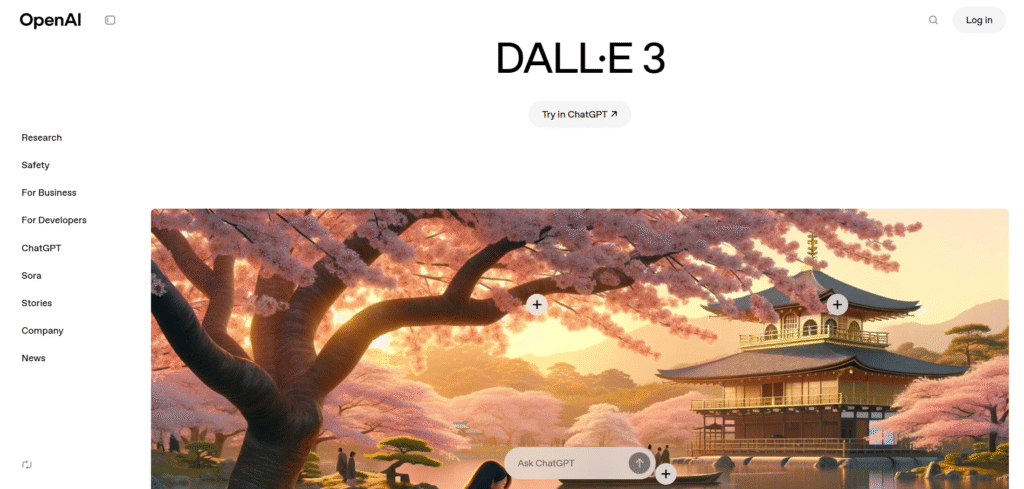
DALL·E 3 is OpenAI’s state-of-the-art generative image model integrated into ChatGPT.
It produces clean, contextually accurate, and text-aware images — meaning you can include readable logos, labels, or titles directly in the artwork.
Its in-chat editing allows you to refine an image by describing what to change — no external editor needed.
Best For: Marketers, educators, and creators needing fast, clear visuals.
Highlights:
- Natural language edits inside ChatGPT
- Text-accurate generation (e.g., poster titles)
- Consistent object rendering
- Fast, safe, and beginner-friendly
🥉 3. Stable Diffusion (by Stability AI)
Website: https://stability.ai
Description:
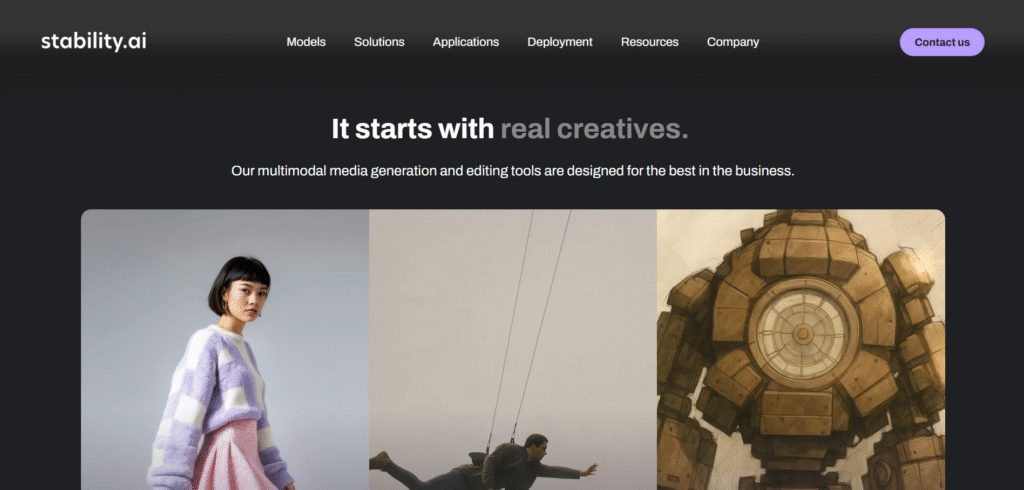
Stable Diffusion is an open-source powerhouse for generative imagery.
Unlike closed systems, it gives creators full freedom to train custom models, integrate plugins, or automate workflows for bulk image creation.
It supports community-driven variants (like DreamShaper, RealisticVision, or SDXL Turbo) for different styles — from photorealistic to surreal.
Best For: Developers, 3D artists, and advanced tinkerers.
Highlights:
- Fully open-source and customizable
- Runs locally for privacy and control
- Wide ecosystem of models and UIs (e.g., Automatic1111)
- Ideal for AI art projects or brand-specific models
4. Leonardo AI
Website: https://leonardo.ai
Description:
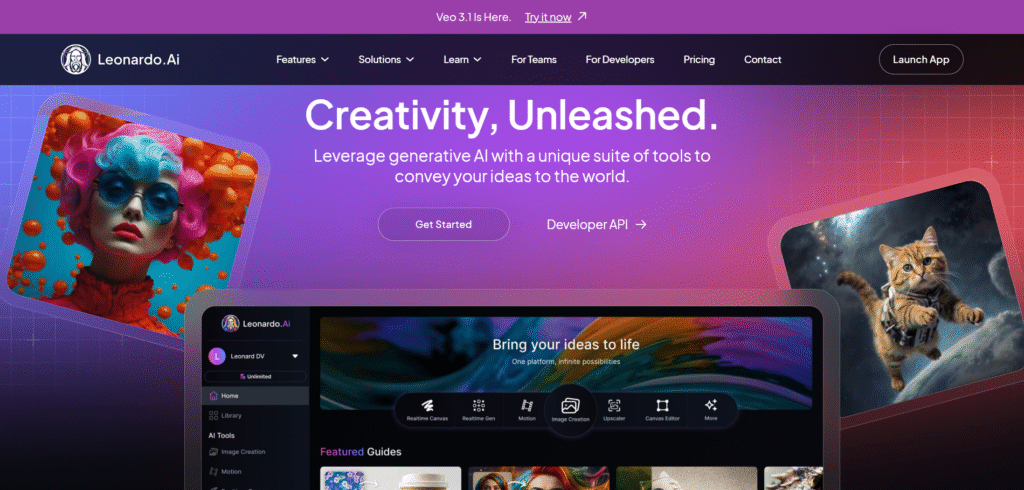
Leonardo AI combines ease of use with studio-grade design power.
It offers preset styles for game assets, product shots, concept art, and textures — along with AI canvas editing and training your own model to match your brand’s visual identity.
Best For: Game developers, brand designers, and creative studios.
Highlights:
- Style presets for 3D, fantasy, realism, etc.
- Canvas editing and inpainting tools
- Train custom AI models for consistency
- Asset management dashboard
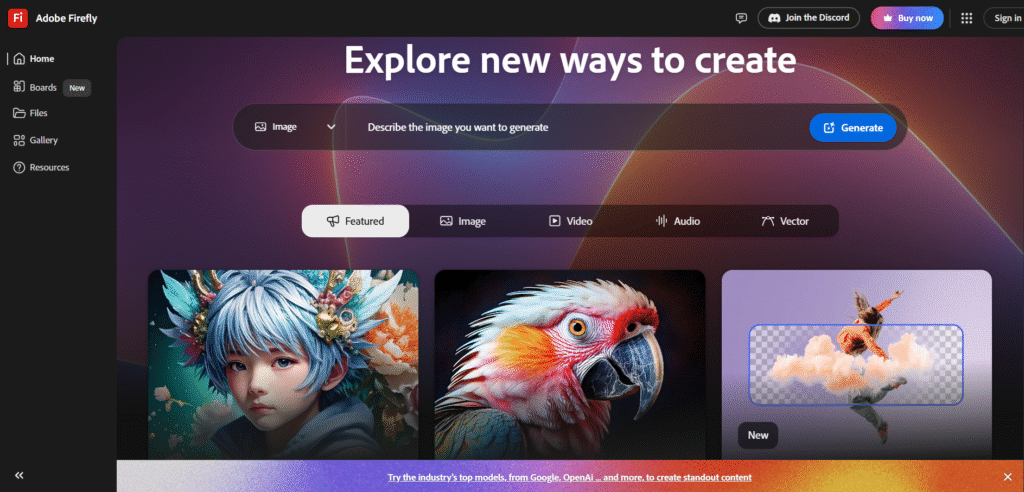
5. Adobe Firefly
Website: https://firefly.adobe.com
Description:
Adobe Firefly brings generative AI directly into the Creative Cloud ecosystem.
You can use text prompts to create images, remove objects, change backgrounds, or apply new lighting within Photoshop, Illustrator, and Express.
All Firefly-generated content is trained on licensed Adobe stock data, ensuring commercial safety.
Best For: Creative professionals, marketers, and agencies.
Highlights:
- Seamless integration with Photoshop & Illustrator
- Commercially safe content
- Generative fill, expand, and recolor
- High-resolution image generation
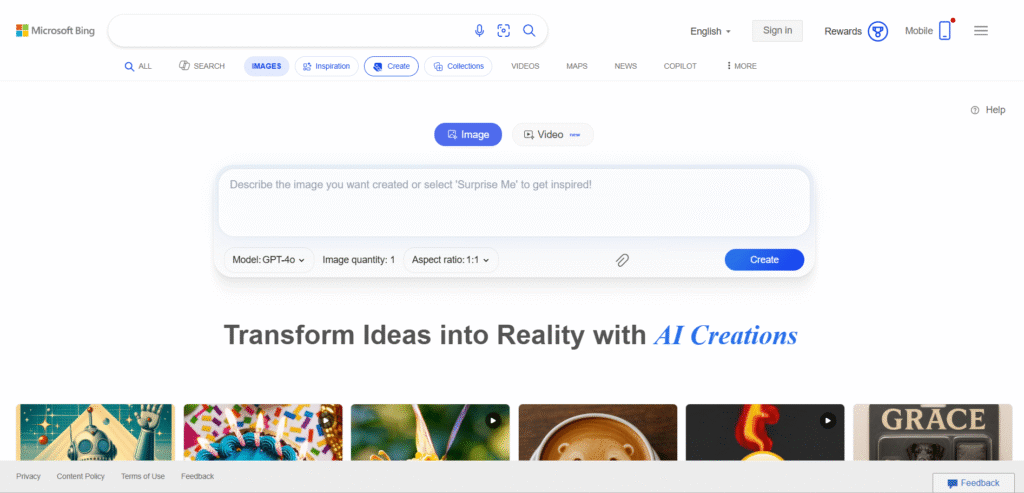
6. Bing Image Creator (Microsoft Designer)
Website: https://www.bing.com/create
Description:
Bing Image Creator, powered by DALL·E 3, provides free high-quality image generation through Microsoft’s platform.
It integrates with Microsoft Designer for post-editing, offering text, filters, and layout templates for social media and marketing.
Best For: Marketers, educators, and general users seeking free AI imagery.
Highlights:
- Free, fast, and accessible
- Built-in editing and template tools
- Linked to Microsoft Designer
- Ideal for marketing creatives
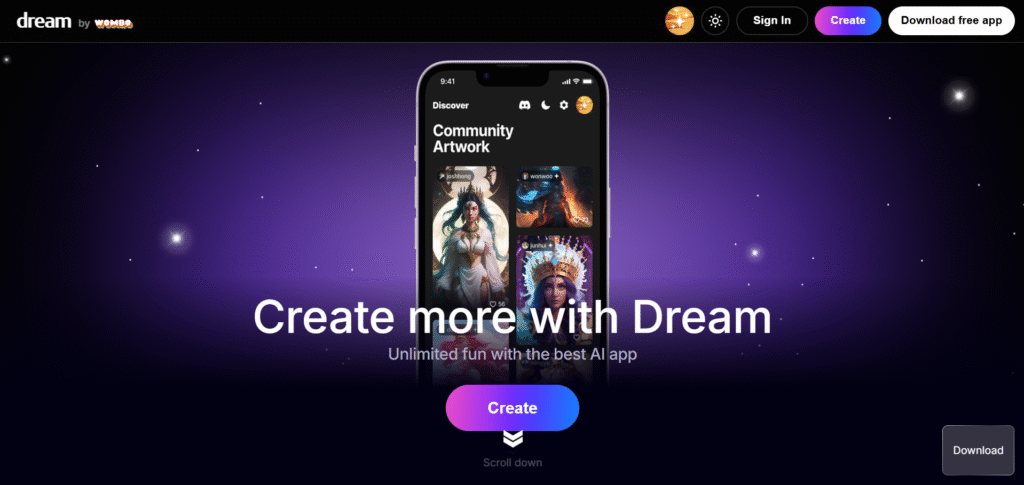
7. Dream by Wombo
Website: https://dream.ai
Description:
Dream by Wombo makes AI art creation simple and mobile-friendly.
It lets users create images using short prompts in dozens of artistic styles — from anime to impressionist — directly from a phone or browser.
Best For: Hobbyists, students, and mobile creators.
Highlights:
- Intuitive mobile app experience
- Style presets and remix features
- Community gallery for sharing work
- Fast rendering on the go
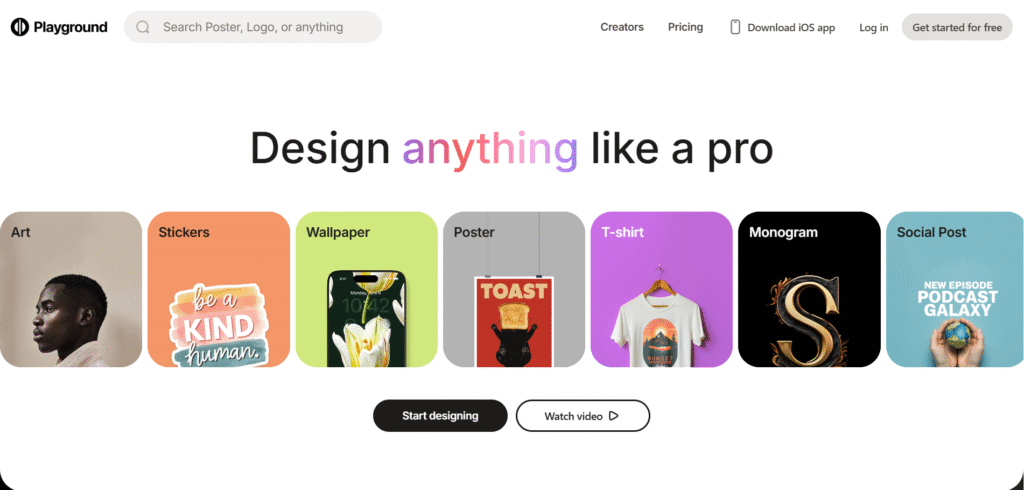
8. Playground AI
Website: https://playground.com
Description:
Playground AI combines a clean interface with powerful generative tools for both beginners and advanced users.
It supports image-to-image, inpainting, upscaling, and control over style strength, plus a built-in social feed for inspiration.
Best For: Content creators and students exploring AI art.
Highlights:
- Text and image-based generation
- Layer-based editing (inpaint/outpaint)
- Community inspiration hub
- Free daily credits
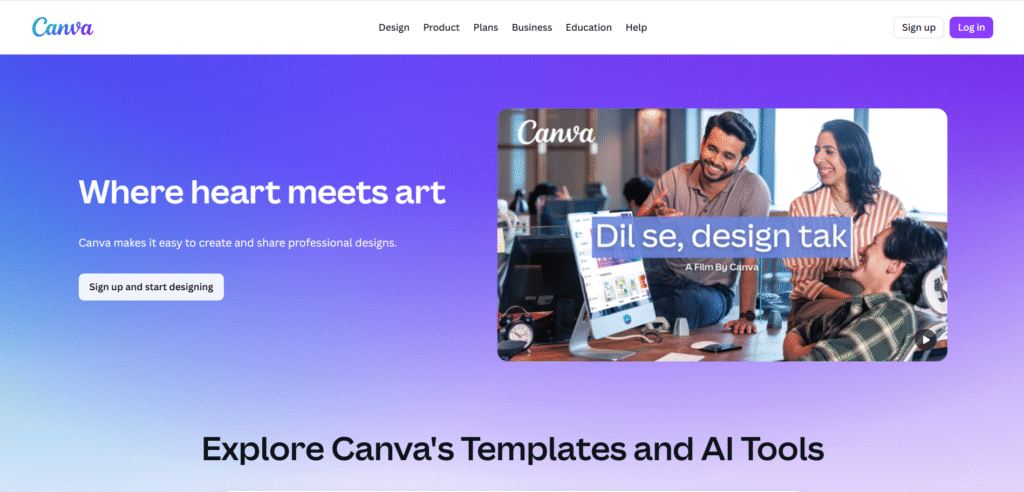
9. Canva AI Image Generator (Magic Media)
Website: https://www.canva.com/magic-media
Description:
Canva’s Magic Media tool allows you to generate images right inside your Canva designs.
You can instantly turn text prompts into background art, mockups, or social assets — then continue designing using Canva’s templates and layout engine.
Best For: Marketers, social media managers, educators.
Highlights:
- Built into Canva’s design editor
- Custom style control and filters
- Perfect for quick branded visuals
- Free tier included in Canva Pro
10. NightCafe Studio
Website: https://creator.nightcafe.studio
Description:
NightCafe Studio is a multi-model AI art platform offering DALL·E, Stable Diffusion, and CLIP-guided creation in one place.
It also features a community reward system, allowing users to earn credits for participation and daily challenges.
Best For: Artists, hobbyists, and NFT creators.
Highlights:
- Credit-based system with free daily use
- Multiple AI models and algorithms
- Style transfer & artistic filters
- Active creative community
Features to Look for in AI Generative Image Tools
When selecting AI tools for generative images, consider the following features:
- Customization: Tools should offer various customization options to tweak the generated images according to your preferences.
- Ease of Use: A user-friendly interface that makes the image generation process straightforward.
- Quality of Output: Ensure the tool can produce high-resolution, detailed artwork.
- Variety of Styles: Choose tools that offer multiple artistic styles and templates to diversify your creations.
- Speed: The tool should generate images quickly without compromising quality.
Benefits of Using AI Tools for Generative Images
Using AI tools in generative imaging offers numerous benefits:
- Enhanced Creativity: AI tools can inspire new ideas and styles, pushing the boundaries of traditional art.
- Time Savings: Automation of complex tasks like coloring and rendering saves time, allowing artists to focus on creativity.
- Accessibility: AI tools make image creation accessible to everyone, regardless of skill level.
- Consistency: AI ensures consistent quality and style across different pieces of artwork.
- Innovation: AI tools enable experimentation with new techniques and styles that might be difficult to achieve manually.
How AI Tools Enhance Image Creation
AI tools enhance image creation in several ways:
- Style Transfer: Tools like DeepArt and Prisma apply artistic styles to photos, transforming them into pieces that mimic famous artworks.
- Image Synthesis: RunwayML and GANPaint Studio use AI to generate new images or modify existing ones, offering high creative control.
- Text-to-Image: DALL-E generates detailed images from textual descriptions, allowing artists to bring their ideas to life effortlessly.
- Automatic Coloring: PaintsChainer automates the coloring process for sketches, ensuring vibrant and accurate colors.
- Image Blending: Artbreeder combines elements from different images to create unique and original artwork.
Challenges in Using AI Tools for Generative Images
While AI tools offer many benefits, they also come with challenges:
- Learning Curve: Some tools may require time to learn and master.
- Cost: High-quality AI tools can be expensive, which might be a barrier for some users.
- Accuracy: The generated images may not always meet expectations, requiring manual adjustments.
- Creative Control: Over-reliance on AI can lead to a loss of personal touch and originality in the artwork.
Best Practices for Using AI Tools in Generative Imaging
To get the most out of AI tools for generative images, follow these best practices:
- Experiment: Don’t be afraid to experiment with different tools and styles to find what works best for you.
- Combine Tools: Use multiple tools to leverage their unique strengths and capabilities.
- Review and Adjust: Always review the AI-generated images and make manual adjustments as needed to ensure they meet your standards.
- Stay Updated: Keep your tools updated to benefit from the latest features and improvements.
- Learn the Basics: Understanding basic principles of art can help you better utilize AI tools and enhance your creations.
Future of AI in Generative Imaging
The future of AI in generative imaging is exciting, with continuous advancements promising even greater capabilities. Expect improvements in:
- Real-Time Generation: Faster and more efficient AI algorithms for real-time image creation.
- Higher Quality: Enhanced resolution and detail in AI-generated images.
- Increased Customization: More options for customizing styles, scenes, and elements.
- Integration: Seamless integration with other creative tools and platforms for a more cohesive workflow.
FAQs
What are the best AI tools for generating unique images? DeepArt, Artbreeder, and DALL-E are among the best tools for generating unique and original images with advanced customization options.
Can AI tools help with coloring sketches? Yes, tools like PaintsChainer automate the coloring process for sketches, applying vibrant and accurate colors effortlessly.
How do AI tools transform photos into art? AI tools like DeepArt and Prisma use style transfer algorithms to apply the aesthetic elements of famous artworks to photos, transforming them into artistic pieces.
Are AI tools for generative images user-friendly? Many AI tools are designed with user-friendly interfaces, making them accessible to both beginners and experienced artists.
Can AI generate images from text descriptions? Yes, DALL-E is a powerful AI model that generates detailed images from textual descriptions, allowing artists to bring their ideas to life easily.
Do AI tools for generative images require technical skills? Most AI tools are designed to be intuitive and do not require advanced technical skills, making them accessible to a wide range of users.
Conclusion
AI tools for generative images are transforming the creative process, offering artists new ways to produce high-quality visuals with ease. By automating tasks, enhancing creativity, and providing customization options, these tools enable both beginners and professionals to create stunning art. Whether you’re an artist looking to streamline your workflow or a hobbyist exploring new creative avenues, these AI tools can help you achieve your artistic goals.