
Artificial Intelligence (AI) is rapidly transforming the field of image design, offering powerful tools that enhance creativity and streamline workflows. In this article, we will explore the top 10 AI image design tools, highlighting their features, benefits, and how they can elevate your design projects.
Introduction
In the digital age, image design is crucial for branding, marketing, and communication. AI image design tools are revolutionizing this field, providing designers with innovative solutions that enhance creativity and efficiency. These tools leverage machine learning, deep learning, and computer vision to create stunning visuals with ease.
The Importance of AI in Image Design
AI-powered image design tools enable designers to push the boundaries of creativity. They offer features such as automated image generation, intelligent editing, and real-time collaboration, making the design process more efficient and accessible.
🥇 1. Adobe Firefly
Website: https://firefly.adobe.com
Description:
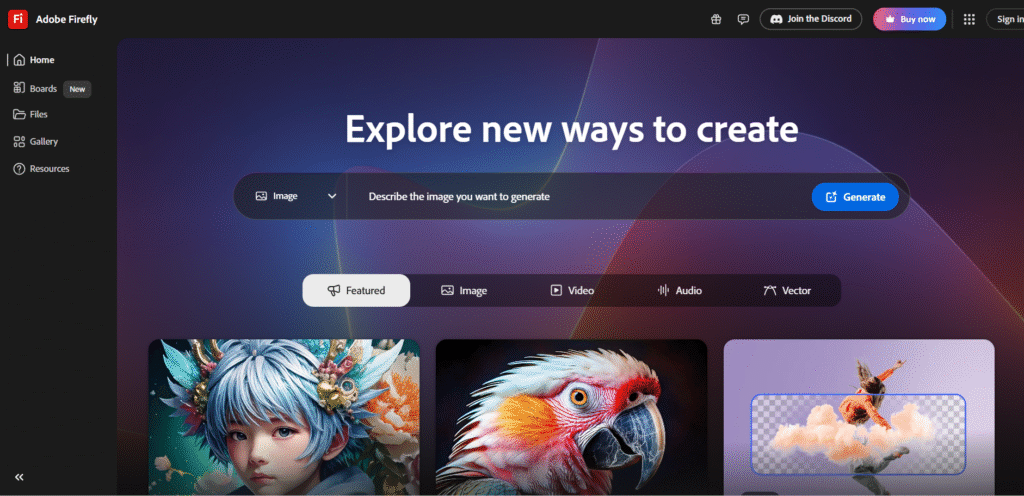
Adobe Firefly is Adobe’s flagship generative AI for designers, built directly into Creative Cloud (Photoshop, Illustrator, Express). It allows you to generate, edit, and enhance images using natural language prompts. Firefly is commercially safe — all AI training data is from licensed or public domain sources — making it ideal for enterprise and brand projects.
Its Generative Fill feature in Photoshop lets users extend, remove, or modify images realistically, while Generative Recolor in Illustrator instantly creates color variations for designs.
Best For: Professional designers, marketing teams, and brand creators.
Highlights:
- “Generative Fill” for instant edits inside Photoshop
- “Generative Expand” to extend image borders seamlessly
- Commercially safe content creation
- Integrated with Adobe Stock, Illustrator, Express
🥈 2. Recraft.ai
Website: https://recraft.ai
Description:
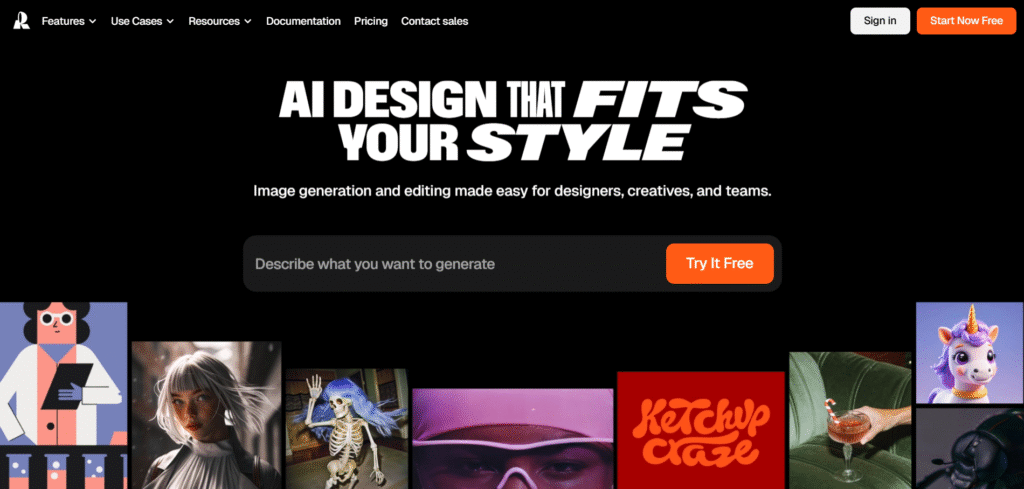
Recraft.ai is built for designers who need structure and control — not random outputs. Unlike most text-to-image models, Recraft generates vector-style graphics, logos, and layouts that are editable in Figma or Illustrator. Its AI can design full compositions, maintaining alignment, text balance, and color harmony.
Recraft also supports brand consistency, allowing users to upload palettes, fonts, and style guidelines to ensure every generated asset aligns with a brand’s identity.
Best For: Brand designers, UI/UX creators, and creative agencies.
Highlights:
- Creates editable, design-ready vector assets
- Strong prompt fidelity and layout consistency
- Built-in brand management system
- Great for banners, icons, and campaign graphics
🥉 3. Ideogram.ai
Website: https://ideogram.ai
Description:
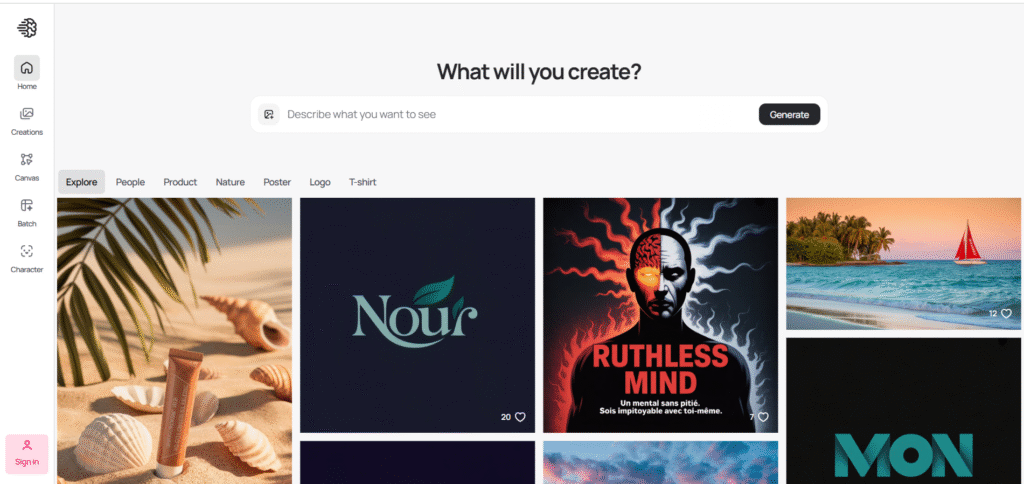
Ideogram stands out for solving a major AI limitation — text rendering inside images. It’s one of the few AI models capable of generating realistic, legible typography in logos, posters, and marketing visuals.
Its outputs are colorful, diverse, and balanced, making it a favorite for social media design, posters, and digital ads. Ideogram is also gaining traction for AI typography experiments — turning prompts into design-ready text-art compositions.
Best For: Social media creators, advertising designers, digital agencies.
Highlights:
- High-quality, readable text generation in images
- Wide range of styles — from modern to artistic
- Perfect for posters, branding, and campaigns
- Community library for inspiration
4. Flux (FLUX.1 by Black Forest Labs)
Website: https://bfl.ai
Description:
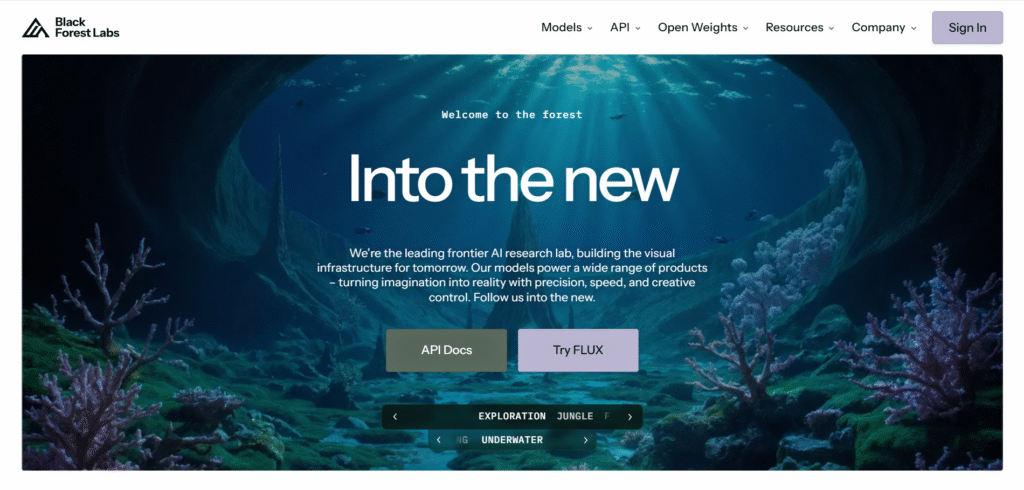
Flux (FLUX.1) is a state-of-the-art generative model built for ultra-realistic and stylized image synthesis. It bridges photorealism and art — ideal for creating cinematic visuals, hyper-detailed concept art, and 3D-style illustrations.
Its style blending and regional editing features give designers granular control: you can mix “cyberpunk + impressionist,” adjust color tones, and modify just parts of an image using masked prompts.
Best For: Concept artists, visual storytellers, and creative studios.
Highlights:
- Multi-style blending and controlled realism
- In-prompt editing and regional refinements
- 4K-level image output capability
- Highly customizable aesthetic control
5. Leonardo AI
Website: https://leonardo.ai
Description:
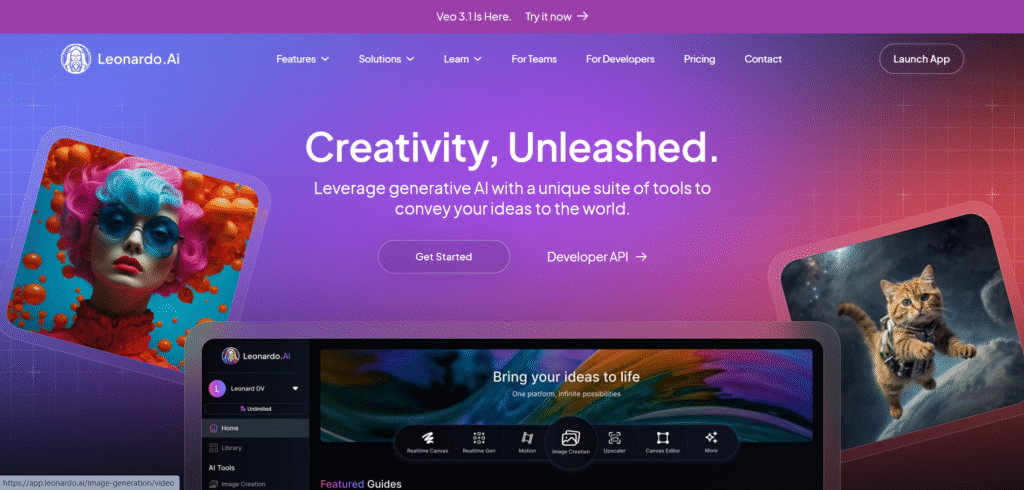
Leonardo AI has become a creative sandbox for designers — offering pre-built templates, custom training, and asset management. It’s popular for producing game assets, 3D concepts, marketing visuals, and brand mockups.
Leonardo’s Fine-Tuning mode lets you train the AI on your style or brand aesthetic, enabling consistent design outputs across campaigns.
Best For: Design studios, gaming companies, and marketing teams.
Highlights:
- Custom fine-tuning with brand data
- 3D and concept art generation
- Template-driven workflows
- Built-in asset library for reuse
6. Dzine.ai (formerly Stylar)
Website: https://www.dzine.ai
Description:
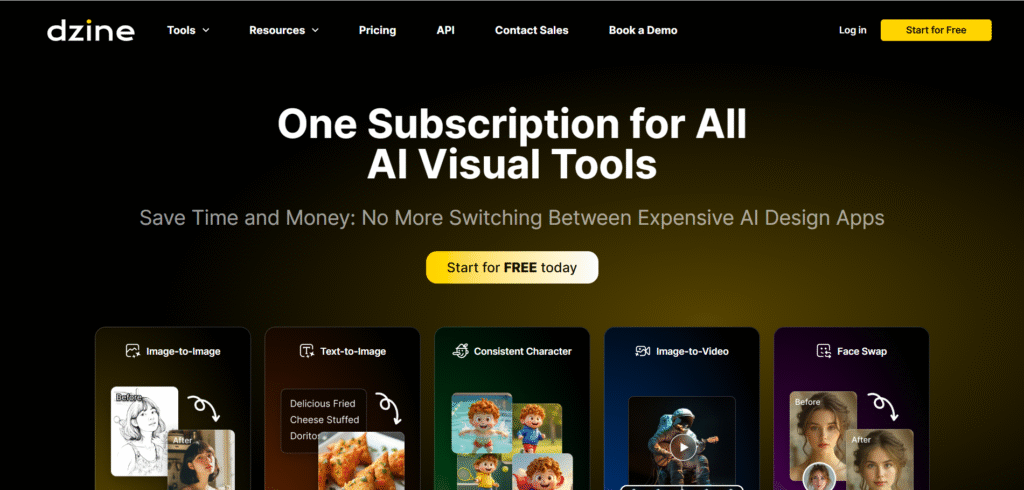
Dzine.ai is a one-stop AI design environment that integrates text-to-image generation with in-app editing and refinements. You can create an image, modify objects, adjust lighting, or regenerate specific areas — all without exporting to another app.
It’s also great for character consistency, helping illustrators maintain the same characters across multiple scenes or angles.
Best For: Illustrators, product designers, and digital marketers.
Highlights:
- Unified image creation + editing workspace
- Consistent character and background generation
- Prompt + brush hybrid control
- Ideal for campaigns needing visual uniformity
7. Designify
Website: https://designify.com
Description:
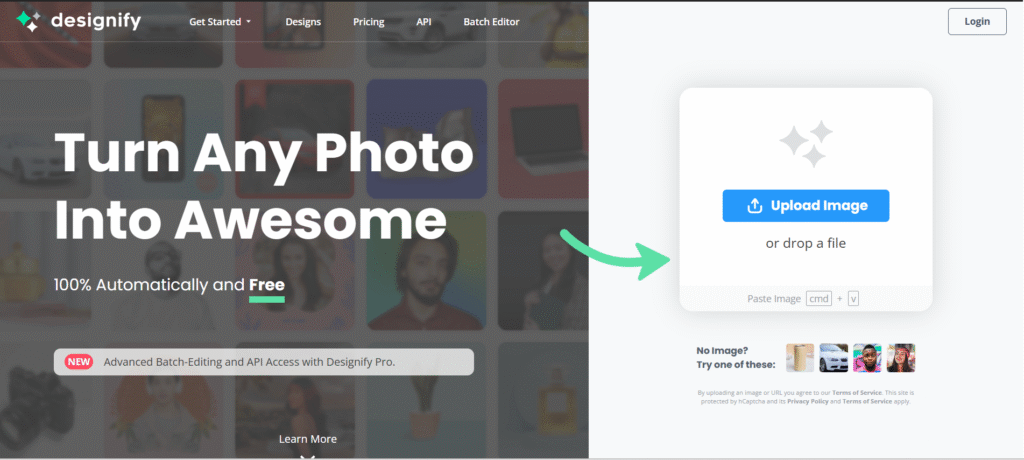
Designify automates photo enhancement and layout design for product images, thumbnails, and marketing banners. Upload any image, and it will automatically remove the background, enhance lighting, and apply ready-made professional templates.
Perfect for e-commerce brands, marketers, and photographers who want studio-quality visuals without complex editing.
Best For: Online retailers, marketers, and photographers.
Highlights:
- Automatic background and lighting enhancement
- Smart template matching for products
- Consistent brand look across images
- Batch processing support
8. Pixlr (AI Studio)
Website: https://pixlr.com
Description:
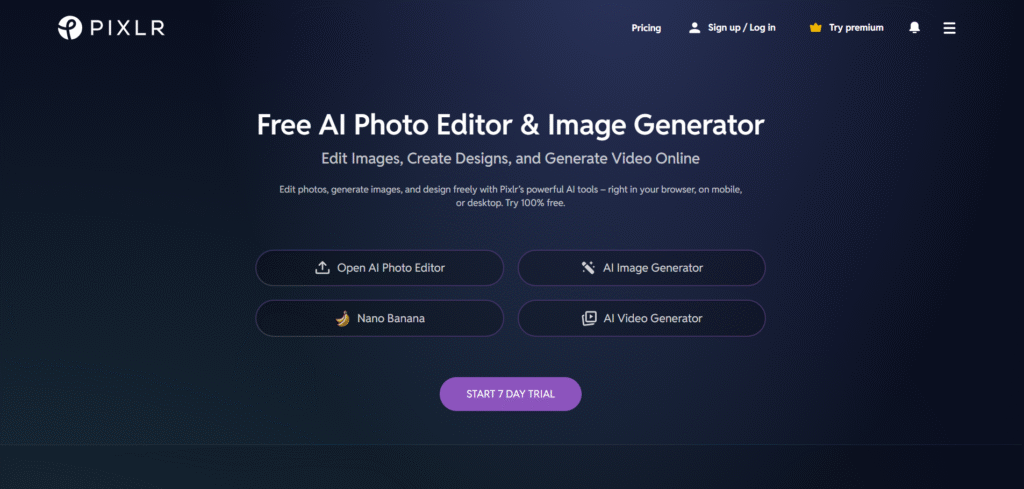
Pixlr integrates generative AI into a lightweight, browser-based editing suite. It offers tools like AI Cutout, AI Generative Expand, and Smart Filters to help non-designers create professional visuals quickly.
Pixlr’s AI Auto Adjust automatically balances tone, lighting, and colors — while its text-to-image generator can produce unique compositions directly in the browser.
Best For: Freelancers, social media creators, and marketing teams.
Highlights:
- All-in-one web-based editor
- Fast AI effects and retouching tools
- Background generator & smart cropping
- Free tier with essential AI features
9. Designs.ai
Website: https://designs.ai
Description:
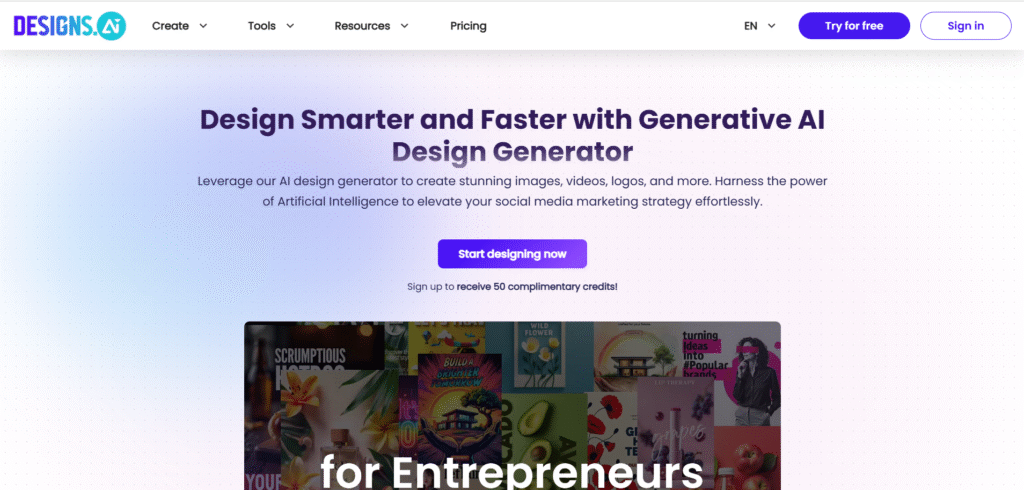
Designs.ai is an AI-powered creative suite that goes beyond images. It can generate logos, brand kits, videos, voiceovers, and banners — making it perfect for small businesses or agencies managing multiple brand assets.
Its image design engine helps automate visual storytelling by aligning colors, fonts, and layouts to your brand identity.
Best For: Startups, marketing teams, and branding agencies.
Highlights:
- Multi-format AI creation (logos, videos, images)
- Brand consistency automation
- Fast content generation for campaigns
- Intuitive workspace for non-designers
10. PromeAI
Website: https://www.promeai.pro
Description:
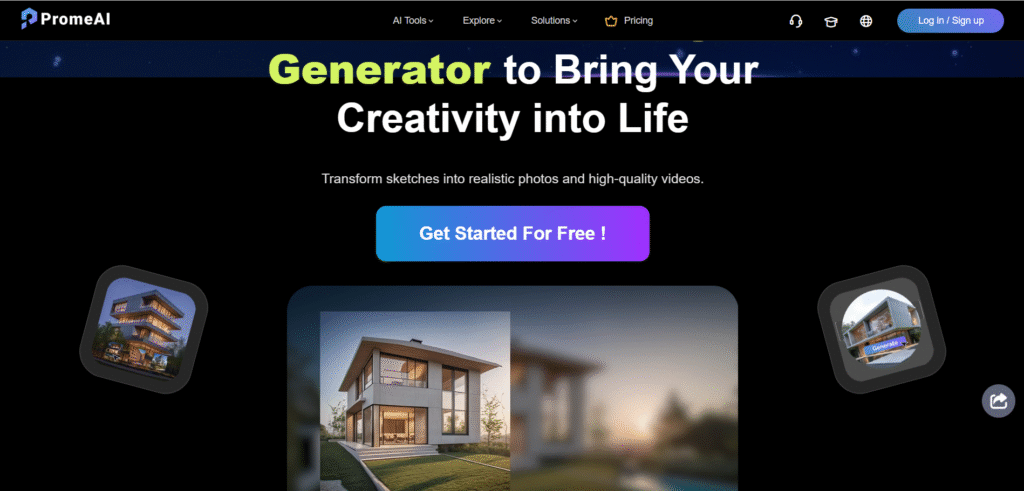
PromeAI combines image generation, sketch rendering, and photo editing into a single workspace. You can upload sketches, add prompts, and PromeAI turns them into polished visuals — ideal for architectural designs, fashion concepts, and digital art.
Its “Style Mode” allows you to explore different looks (e.g., realism, pencil sketch, watercolor) instantly, making it highly versatile for visual exploration.
Best For: Designers, architects, and digital artists.
Highlights:
- Great for creative exploration and prototyping
- Text-to-image + sketch-to-art modes
- Style transformation and realism control
- Integrated editor with fine-tuning options
FAQs
What are AI image design tools? AI image design tools leverage artificial intelligence to assist in creating, editing, and enhancing images, providing features like automated image generation, intelligent editing, and real-time collaboration.
How do AI image design tools enhance creativity? These tools offer advanced features such as style transfer, automated enhancements, and intelligent suggestions, enabling designers to explore new creative possibilities and streamline their workflows.
Are AI image design tools suitable for beginners? Yes, many AI image design tools, like Canva and Prisma, are designed with user-friendly interfaces, making them accessible to beginners while still offering advanced features for professionals.
Can AI image design tools be used for professional projects? Absolutely, tools like Adobe Sensei, Runway ML, and Let’s Enhance provide professional-grade features that are widely used in commercial and creative industries.
How do AI image design tools improve workflow efficiency? AI tools automate repetitive tasks, provide intelligent suggestions, and enhance image quality, allowing designers to focus more on creative aspects and complete projects more efficiently.
What is the future of AI in image design? The future of AI in image design looks promising, with continuous advancements leading to more sophisticated and intuitive tools that will further enhance creativity and efficiency in the design process.
Conclusion
AI image design tools are transforming the creative landscape, providing designers with innovative solutions to enhance their work. These top 10 tools showcase the power of AI in image design, offering features that streamline workflows and unleash creative potential. As technology continues to evolve, we can expect even more advanced tools that will revolutionize the way we approach design.