

Automation is rapidly becoming essential in today’s business landscape, and AI is at the forefront of this transformation. AI automation tools streamline processes, enhance productivity, and reduce operational costs. In this article, we explore the top 10 AI automation tools, detailing their features, benefits, and impact on businesses.
Introduction
In the competitive world of business, efficiency is key. AI automation tools offer innovative solutions to streamline workflows, automate repetitive tasks, and enhance decision-making processes. These tools leverage machine learning, natural language processing, and advanced algorithms to optimize business operations.
The Importance of AI Automation Tools
AI automation tools are critical for modern businesses looking to improve efficiency and reduce costs. They enable companies to automate mundane tasks, enhance data analysis, and improve overall productivity, leading to better business outcomes.
🥇 1. Zapier (with AI Workflows & Agents)
Website: https://zapier.com
Description:
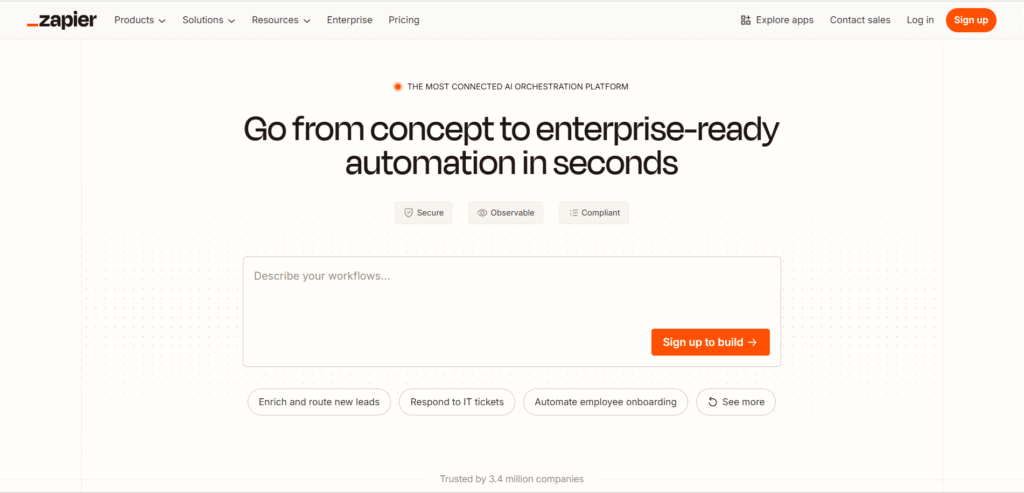
Zapier is the go-to automation powerhouse that connects over 8,000 apps — from Google Sheets to Slack, HubSpot, Notion, and more. Recently, Zapier added AI Agents and AI Actions, allowing users to build smart workflows that make decisions dynamically.
Imagine having a digital assistant that automatically routes leads, updates CRM data, or writes follow-up emails — all without you touching a single button.
Best For: Entrepreneurs, marketing teams, SaaS startups.
Highlights:
- 8,000+ app integrations
- AI-driven logic for decision-based automation
- Automate CRM, emails, reports, and task updates
- No-code builder saves hours of manual work
💡 Saves Money By: Reducing repetitive admin tasks, cutting down on virtual assistant or developer hours.
🥈 2. Make (formerly Integromat)
Website: https://www.make.com
Description:
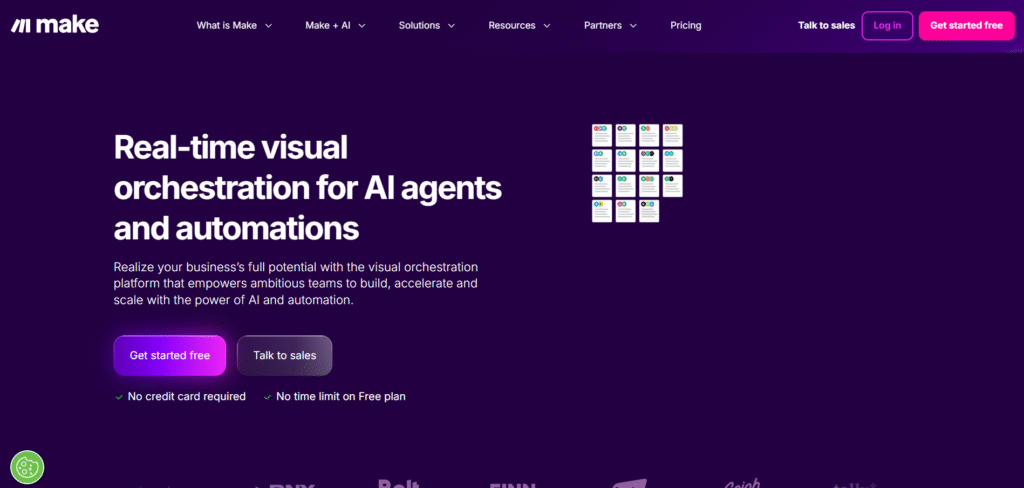
Make is a visual automation builder that connects apps, APIs, and AI models into intelligent workflows. Its drag-and-drop interface lets you create complex, multi-step automations — from data scraping to content creation — without writing code.
Make now integrates with OpenAI, ChatGPT, and Google Vertex AI, allowing you to combine logic, AI text generation, and API calls in one flow.
Best For: Technical teams, data analysts, and content marketers.
Highlights:
- Build AI-powered workflows visually
- Real-time data sync and transformation
- Conditional logic and error handling
- Integrates with thousands of services
💡 Saves Money By: Automating multi-step operations that would otherwise require custom coding or multiple tools.
🥉 3. Lindy.ai
Website: https://www.lindy.ai
Description:
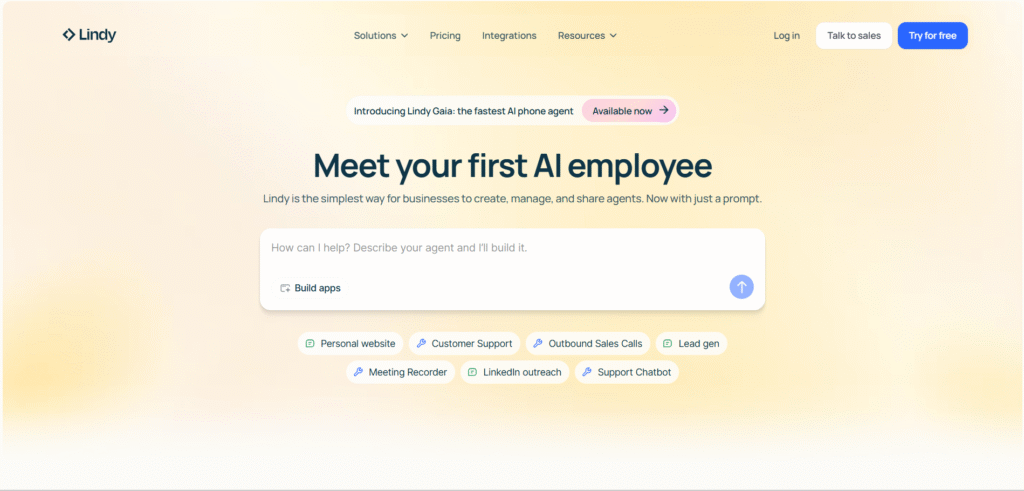
Lindy is an AI personal and team assistant that can perform full workflows, not just chat. You can create “Lindies” — AI agents that handle meeting summaries, lead management, customer replies, and even task planning.
Lindy integrates with Gmail, Slack, Notion, Asana, and CRM systems to act as your digital coworker, helping automate repetitive daily responsibilities.
Best For: Small teams, consultants, and operations managers.
Highlights:
- Customizable AI agent builder
- Integrates with work tools (Gmail, Slack, Notion)
- Handles scheduling, replies, and CRM tasks
- Natural language prompts for easy setup
💡 Saves Money By: Acting as a low-cost virtual assistant or operations coordinator.
4. Gumloop
Website: https://gumloop.com
Description:
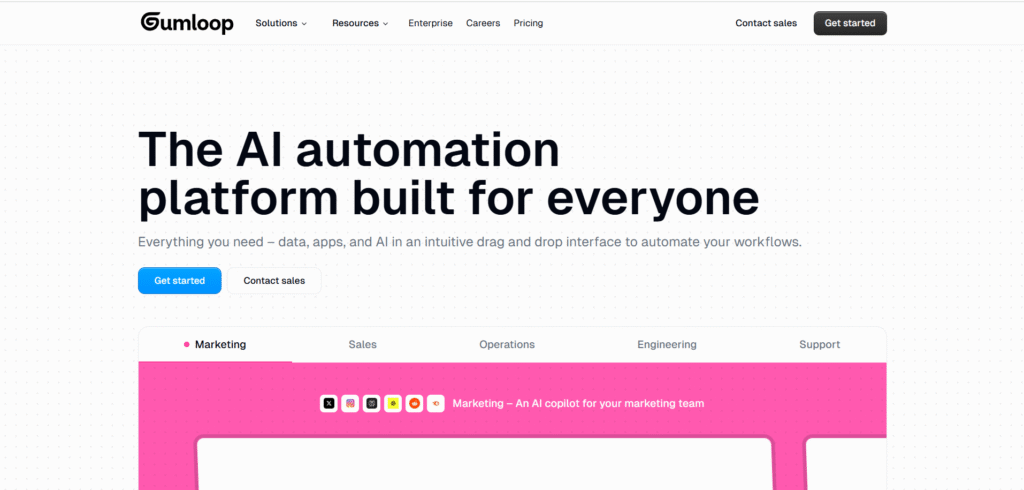
Gumloop combines AI data automation and workflow orchestration with real-time intelligence. It can extract data from websites, generate summaries, and push structured insights to dashboards or Google Sheets.
It’s ideal for marketing automation, content monitoring, and lead generation — automating workflows that would typically require a human researcher.
Best For: Marketing teams, analysts, and data researchers.
Highlights:
- Web scraping with built-in AI summarization
- Automated data cleaning and transformation
- Smart alerts and triggers
- Google Workspace and Notion integrations
💡 Saves Money By: Replacing manual data collection and research hours with continuous AI monitoring.
5. VectorShift
Website: https://vectorshift.ai
Description:
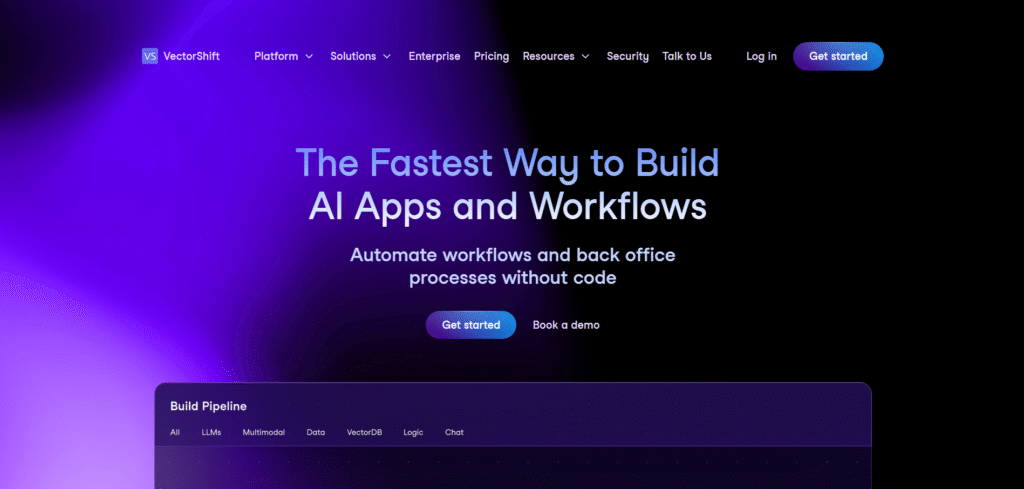
VectorShift is a no-code AI automation platform that merges workflow automation with custom AI model integration. You can connect tools like Slack, Salesforce, and HubSpot to GPT or other AI models to process information automatically.
Its modular builder allows teams to design custom pipelines for content creation, document parsing, and reporting.
Best For: Data-driven organizations, B2B SaaS teams, and automation engineers.
Highlights:
- Drag-and-drop AI workflow builder
- Custom AI models & prompt integration
- Powerful API connectivity
- End-to-end data and process automation
💡 Saves Money By: Streamlining AI-based document handling and reporting tasks without extra headcount.
6. UiPath
Website: https://www.uipath.com
Description:
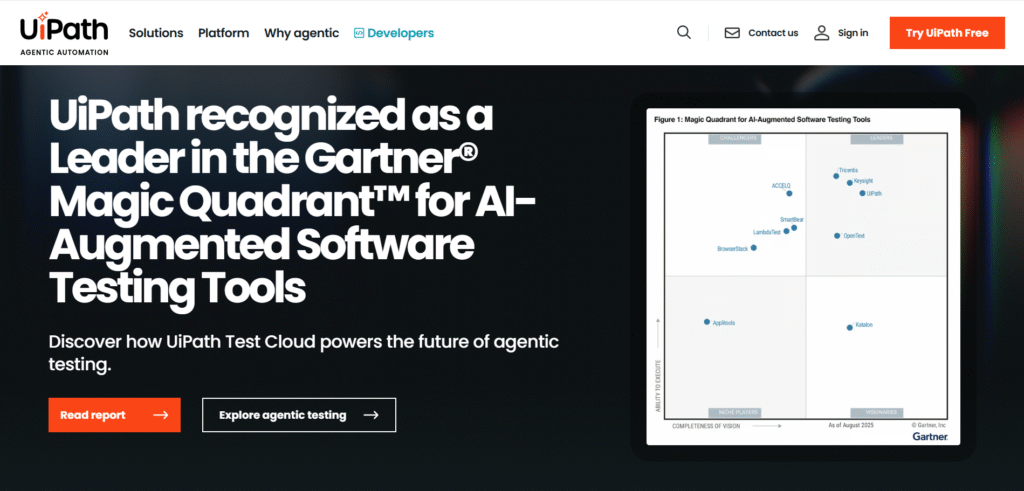
UiPath is the global leader in robotic process automation (RPA). It combines AI with software robots to perform structured, repetitive tasks — like data entry, invoice processing, and compliance checks — across legacy and modern systems.
Its AI Computer Vision allows bots to interact with apps just like a human would.
Best For: Enterprises and financial institutions.
Highlights:
- RPA + AI cognitive capabilities
- Automates back-office processes
- Integrates with SAP, Excel, ERP systems
- Strong security and compliance tools
💡 Saves Money By: Reducing operational labor costs and error-related losses in repetitive back-office work.
7. Automation Anywhere
Website: https://www.automationanywhere.com
Description:
Automation Anywhere is an enterprise-grade intelligent automation platform that brings together RPA, machine learning, and analytics. It helps large organizations automate tasks such as HR onboarding, IT ticketing, and finance approvals.
With built-in generative AI (AARI Copilot), it now enables natural language commands for faster automation creation.
Best For: Enterprises, finance, and IT service providers.
Highlights:
- End-to-end automation with analytics
- Generative AI Copilot for workflow creation
- Cloud-first architecture
- Governance and security controls
💡 Saves Money By: Reducing manual processing times, improving accuracy, and scaling workflows without expanding headcount.
8. Microsoft Power Automate (with Copilot)
Website: https://powerautomate.microsoft.com
Description:
Power Automate is part of the Microsoft ecosystem and integrates deeply with Office 365, Teams, SharePoint, and Dynamics 365. Its new Copilot feature helps users describe automation in plain English — Power Automate builds it for you.
This makes it a cost-effective way for enterprises already in the Microsoft ecosystem to automate workflows without extra software.
Best For: Microsoft 365 users, IT departments, and enterprise teams.
Highlights:
- Natural language automation builder (Copilot)
- Cloud and desktop automation support
- Deep Office 365 integration
- Built-in AI Builder for predictions and insights
💡 Saves Money By: Eliminating manual data handling in Excel, Outlook, and Teams workflows.
9. FlowForma
Website: https://www.flowforma.com
Description:
FlowForma is a no-code digital process automation (DPA) tool used to streamline approvals, document handling, and process governance. It integrates AI logic into forms and workflows — helping automate tasks like project approvals or HR compliance.
Best For: Enterprises in construction, healthcare, and legal sectors.
Highlights:
- Digital forms + AI-driven automation
- Document generation and approval chains
- Custom workflow designer
- Microsoft integration (SharePoint/Teams)
💡 Saves Money By: Reducing paper-based workflows, delays, and manual administrative review.
10. Notion AI
Website: https://www.notion.so/product/ai
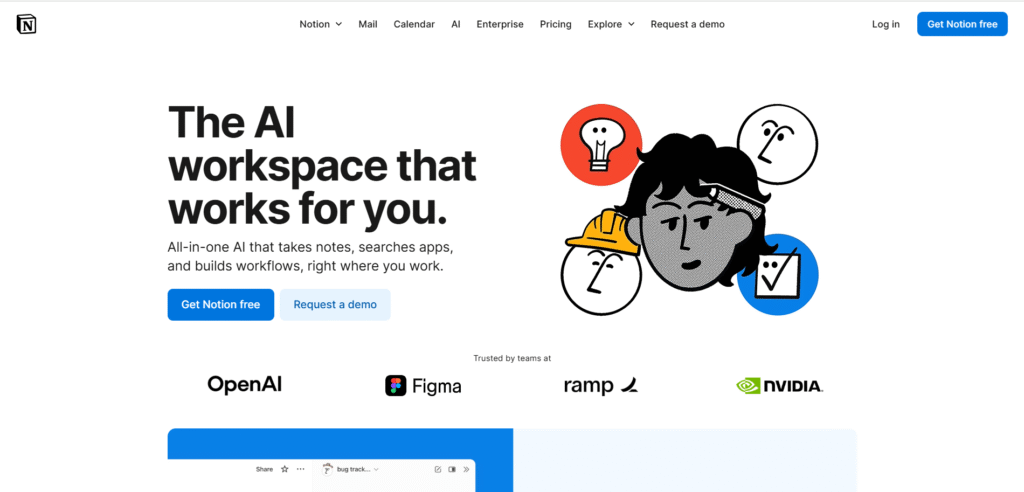
Description:
Notion AI is an intelligent workspace assistant built into Notion, combining automation, content generation, and workflow optimization in a single tool. It automates note-taking, task management, writing, and knowledge organization using natural language prompts.
You can ask Notion AI to summarize meetings, auto-generate project plans, create task lists, or even extract key action items from large databases — all within your workspace. It’s like having a virtual project manager + writer built right into your documents.
Best For: Startups, content teams, project managers, and freelancers.
Highlights:
- Integrates with Notion databases and templates
- Auto-summarizes documents and meeting notes
- Generates task lists, SOPs, and project plans
- Smart suggestions for writing, grammar, and tone
FAQs
What are AI automation tools? AI automation tools use artificial intelligence to automate business processes, enhance productivity, and streamline workflows. They can handle tasks ranging from data entry to customer service.
How do AI automation tools benefit businesses? These tools reduce operational costs, increase efficiency, and free up employees to focus on higher-value tasks. They also improve accuracy and consistency in business operations.
Are AI automation tools suitable for all business sizes? Yes, AI automation tools are scalable and can be tailored to fit the needs of small businesses, mid-sized companies, and large enterprises.
Can AI automation tools integrate with existing business systems? Many AI automation tools, such as UiPath, Automation Anywhere, and Blue Prism, offer seamless integration with existing IT infrastructure and business applications.
How do AI automation tools improve customer service? Tools like IBM Watson and Kore.ai use AI to automate customer service tasks, providing quick and accurate responses, which improves customer satisfaction and reduces response times.
What is the future of AI automation in business? The future of AI automation in business looks promising, with advancements in machine learning, natural language processing, and AI algorithms leading to more sophisticated and efficient automation solutions.
Conclusion
AI automation tools are transforming business processes, enhancing efficiency, and reducing costs. These top 10 tools showcase the power of AI in automating a wide range of tasks, from customer service to workflow optimization. As technology continues to evolve, we can expect even more advanced tools that will further revolutionize business operations.